For your craft
A reactive backdrop your stream will be known for
Static overlays and looping videos look the same whether the music is peaking or paused. SYQEL generates a visual layer that actually moves with your audio — and it runs the entire stream directly inside OBS.
Free to try · Windows & macOS · No card required
Want the show fully automated? SYQEL Live →
Music streams live or die on atmosphere. A reactive visual background that responds to every bass hit and frequency shift tells your audience something is happening right now — not a recording, not a loop. SYQEL feeds directly into OBS as a Spout or NDI source so it sits in your scene like any other layer, lets you stack it under or over your cam, and keeps running without a second monitor or extra hardware. Brand it with your logo and marquee text so every clip and screenshot carries your identity.
How SYQEL works with streamers
Add it to OBS in minutes
SYQEL sends its output into OBS via Spout (Windows) or NDI — it appears as a source in your scene list so you can position, mask, and blend it exactly like any other layer.
It reacts to whatever you play
No track list to build, no clips to sync. Play anything through your setup and SYQEL reads the live audio — the visuals move with the energy of what's actually on.
Brand it for your channel
Add your logo and scrolling marquee text so every VOD, clip, and screenshot carries your name without additional graphics work during the stream.
Runs inside OBS natively
No screen-capture lag or window-management overhead. SYQEL is a clean source in your OBS scene that you position and blend like any other element.
Reacts to every track live
Whether it's a DJ mix, a lo-fi playlist, or a live band, the visuals respond to the actual audio in real time — not a pre-rendered loop.
Your brand, always visible
Logo overlay and marquee text are built in. Your channel name is on screen all stream long, and every clip is branded automatically.
Thousands of looks to choose from
Pick from a large preset library or generate a custom shader with a text prompt to match your stream's aesthetic without any design work.
What's in SYQEL Desktop
The parts DJs use every night — each one documented, none of them extra software.
Works offline
Visuals, playlists, logos and hotkeys live on your machine. No internet at the venue, no problem — the show runs exactly the same. Sign in on another machine and your setup follows you.
Five visual feeds
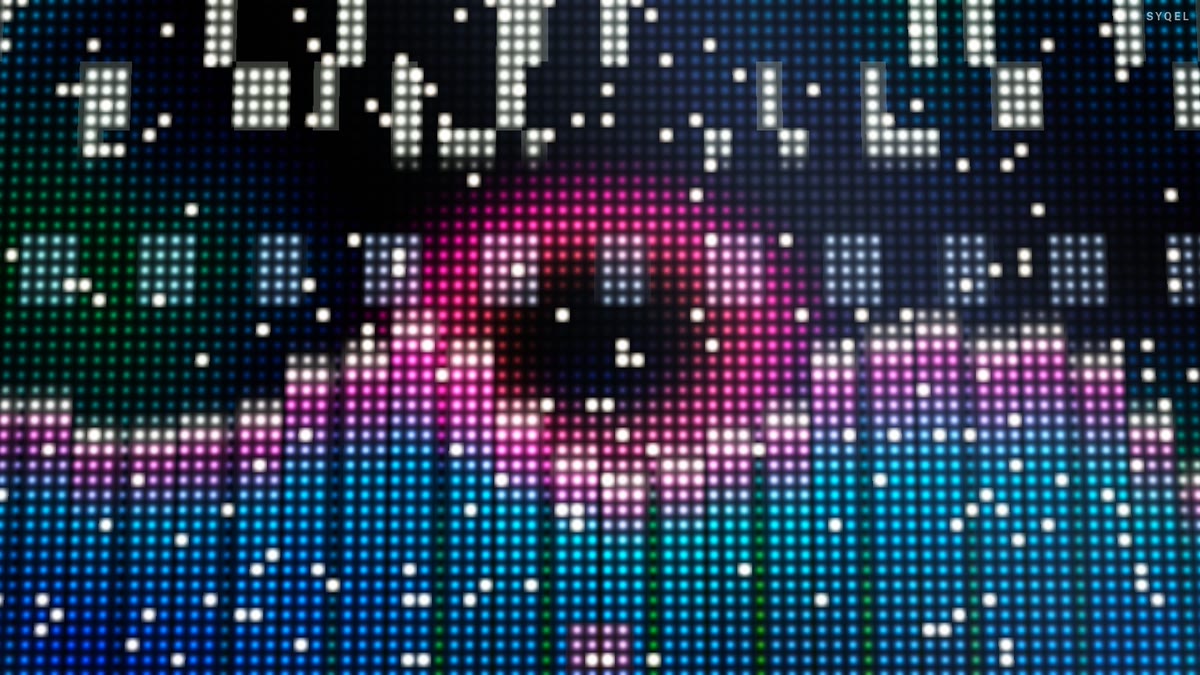
Worlds, shaders, scenes, Milkdrop and image visuals — hundreds of looks in one library, every one of them reacting to the music in real time.
Control with MIDI or keyboard
Space for the next visual, Enter to hold one for the drop, Backspace to go back. Put any control, visual or playlist on a key or a pad with Learn Key and Learn MIDI — on every plan.
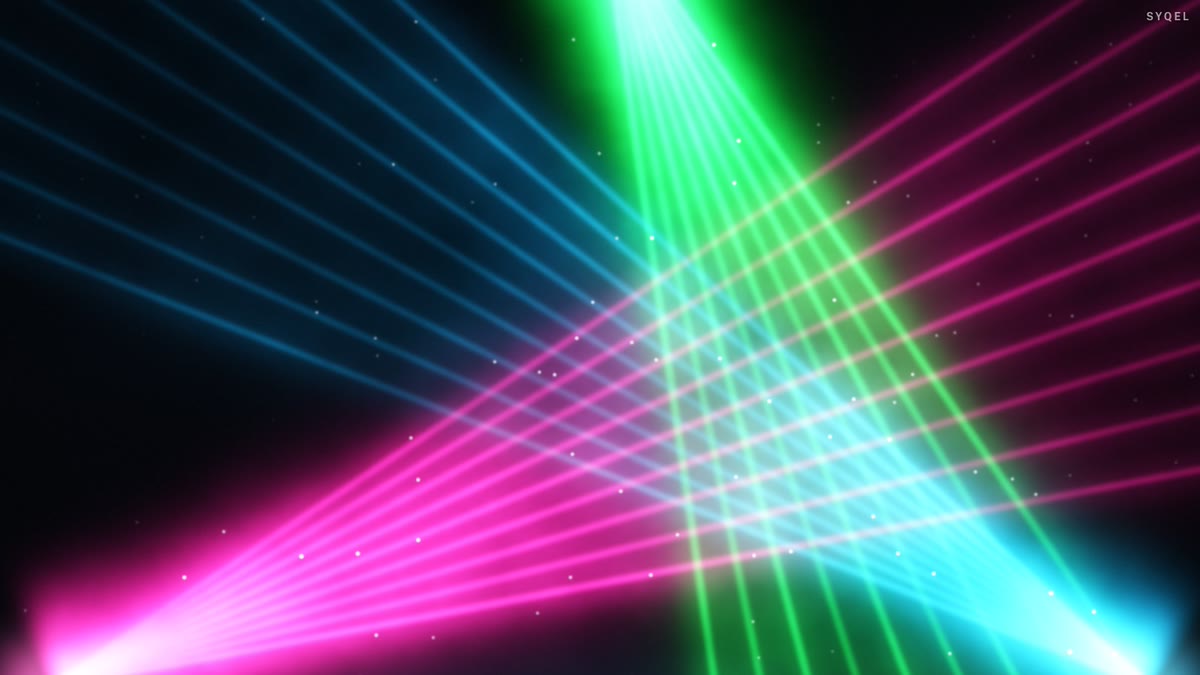
Broadcast and NDI
Press B for a clean output window to capture in OBS, or send the visuals over your network with NDI into OBS, vMix or Resolume — Spout too, on Windows.
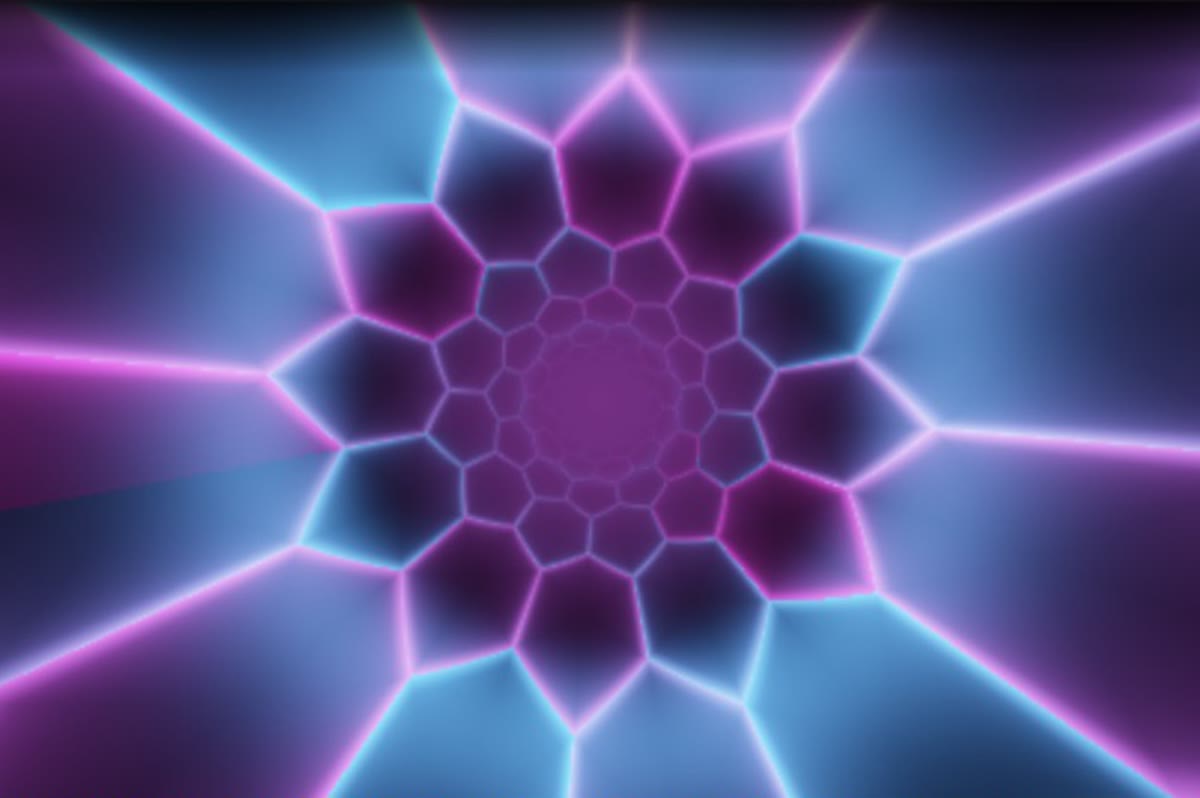
Create visuals with AI
Describe a look — "neon hexagon tunnel that pulses with the bass" — and get a brand-new audio-reactive shader, or generate an image and let the AI animate it. Adjust it for free, keep what you make.
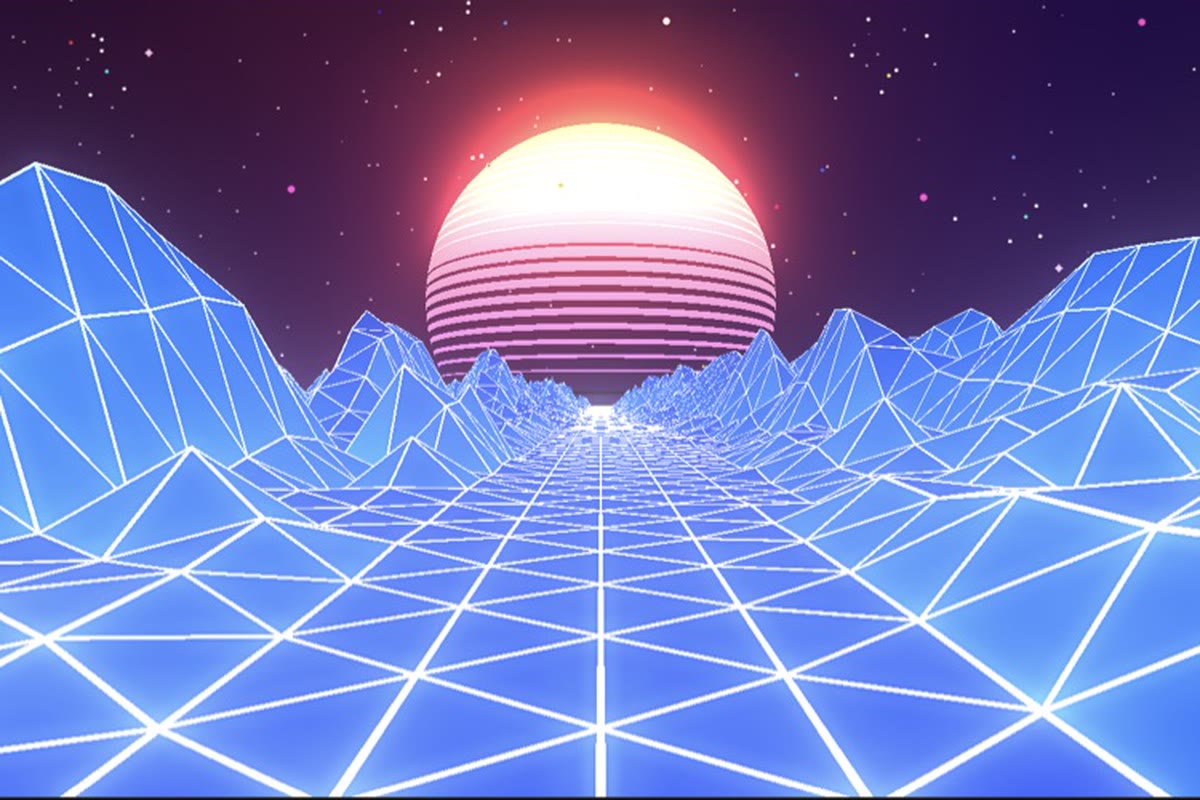
Record four formats at once
Press R and SYQEL saves four videos in one go — 16:9, 1:1, 9:16 and 4:5 — with your audio in them, straight into a SYQEL folder. One for every platform, nothing to capture or convert.
Start here
All tutorials →
SYQEL Desktop quick start: audio-reactive visuals for your DJ set in 5 steps
The five things to set before your first gig: your sound source, how the visuals change, the big screen, and Record for a DJ mix video.

SYQEL Desktop full tutorial: every feature of the music visualizer, step by step
Everything in one sitting: sound sources, MIDI, playlists, Milkdrop, importing shaders and sending visuals to OBS.
Frequently asked questions
How does SYQEL get into OBS?
On Windows it uses the Spout protocol — install the free Spout2 OBS plugin and SYQEL appears as a source. NDI also works on both Windows and macOS and requires no extra plugin on recent OBS versions.
Will it work with a lo-fi or ambient music stream, not just high-energy DJ sets?
Yes. The FFT engine scales to the energy of whatever is playing. Quieter, more textural music produces subtler, slower visual movement. You can also choose presets that look great at low energy and still respond visibly.
Can I use it for a YouTube music stream as well as Twitch?
Absolutely. SYQEL sends to OBS regardless of where OBS is streaming — Twitch, YouTube, Kick, or any RTMP destination. The workflow is identical across platforms.
Related setups
Make your sound look as good as it feels.
Every SYQEL is free to try. Answer a few questions and we’ll point you at the right one.