For your craft
Live visuals that move with your mix
You already control the room with sound. SYQEL gives you the screen too — beat-synced visuals that react to your live set in real time, whatever software you spin on.
Free to try · Windows & macOS · No card required

Just want it to run itself, zero setup? SYQEL Live →
Adding visuals to a DJ set usually means hiring a VJ or wrestling with video clips that never quite line up with the music. SYQEL takes a different route: it listens to your live output and generates visuals that move with it, automatically. That means the screen is always in time, even when you drop an unplanned track or stretch a breakdown. Whether you're a mobile DJ working weddings, a club resident, or building a brand on livestreams, it's a way to look as good as you sound without taking your hands off the decks.
How SYQEL works with DJs
Works with your software
Serato, rekordbox, Traktor, VirtualDJ, djay — it doesn't matter. SYQEL reacts to the audio you're already playing, so there's nothing to integrate.
Hands stay on the music
The visuals react on their own. Pick a look (or let a playlist of them rotate) and focus on the mix while SYQEL keeps the screen in time.
From laptop to full rig
Run it on a second screen for an intimate gig, or send it into OBS, Resolume, and the venue's walls over Spout, Mac Screen Share, or NDI.
Always on the beat
No timeline to cue and no clips drifting out of sync. The visuals are driven by your live audio, so they hit exactly when the music does.
Brand every set
Add your logo and marquee text so promoters, clients, and stream viewers see your name on the screen all night.
Match any vibe
Thousands of presets plus AI-generated shaders let you dial the energy from a cocktail set to a peak-time room.
Great on stream
Pipe visuals straight into OBS for Twitch and YouTube so your livestreams have a living, reactive backdrop.
What's in SYQEL Desktop
The parts DJs use every night — each one documented, none of them extra software.

Create visuals with AI
Describe a look — "neon hexagon tunnel that pulses with the bass" — and get a brand-new audio-reactive shader, or generate an image and let the AI animate it. Adjust it for free, keep what you make.
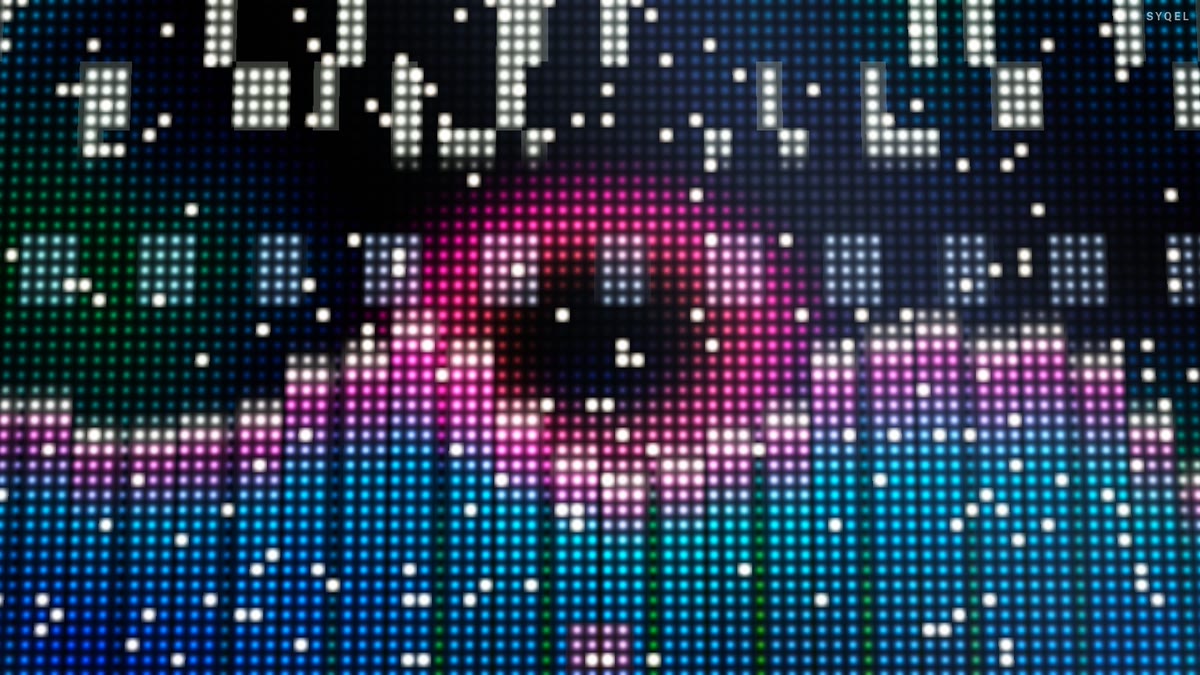
Five visual feeds
Worlds, shaders, scenes, Milkdrop and image visuals — hundreds of looks in one library, every one of them reacting to the music in real time.

Control with MIDI or keyboard
Space for the next visual, Enter to hold one for the drop, Backspace to go back. Put any control, visual or playlist on a key or a pad with Learn Key and Learn MIDI — on every plan.
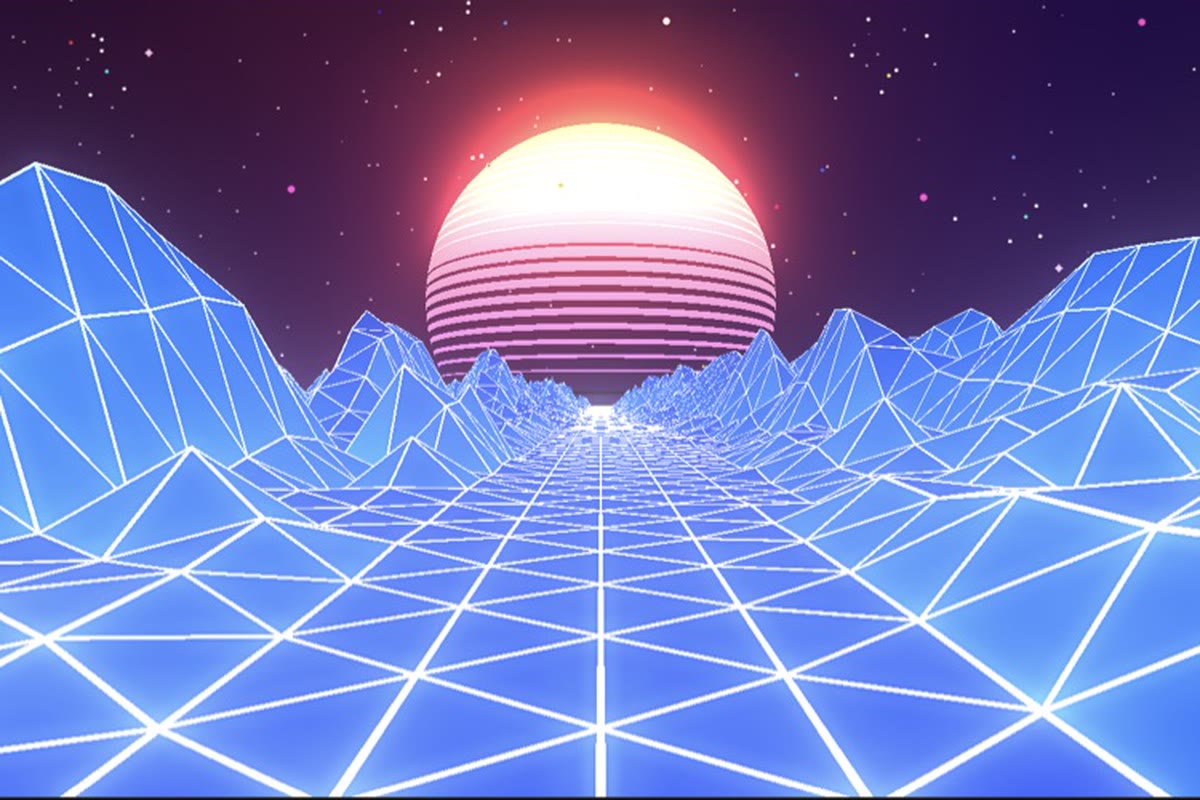
Record four formats at once
Press R and SYQEL saves four videos in one go — 16:9, 1:1, 9:16 and 4:5 — with your audio in them, straight into a SYQEL folder. One for every platform, nothing to capture or convert.
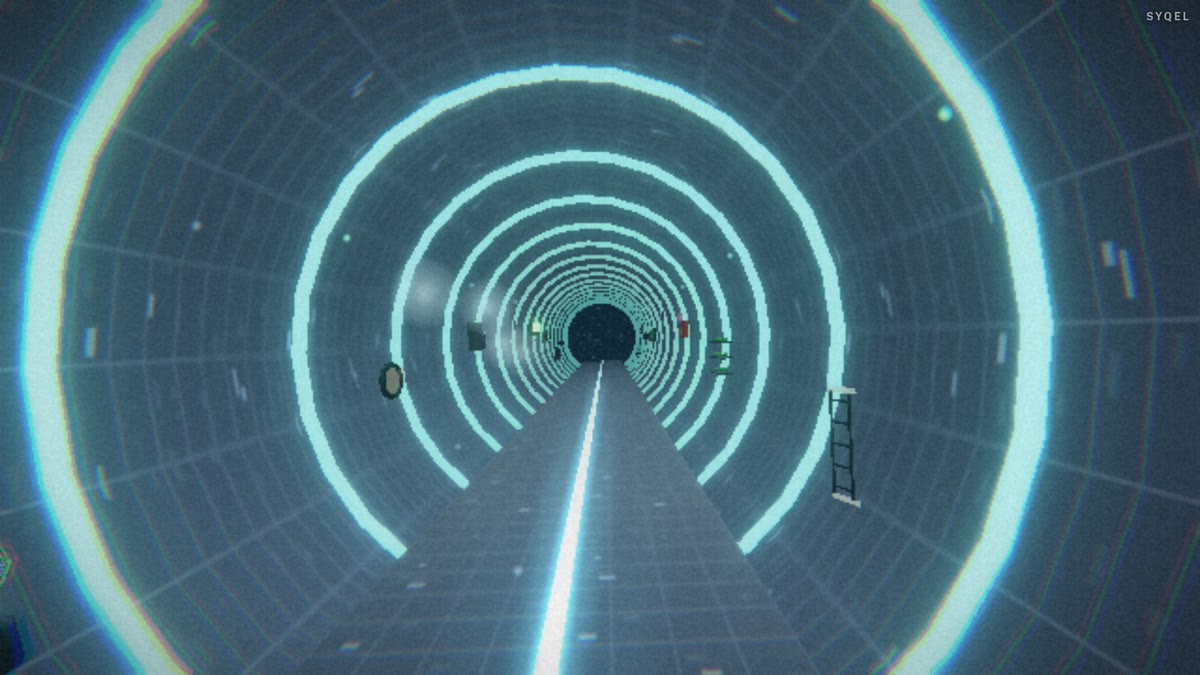
Logos
Up to nine of them — yours, a sponsor’s, the night’s — each with its own position and size, switched live on keys 1–9. The one-time unlock removes the SYQEL mark entirely.
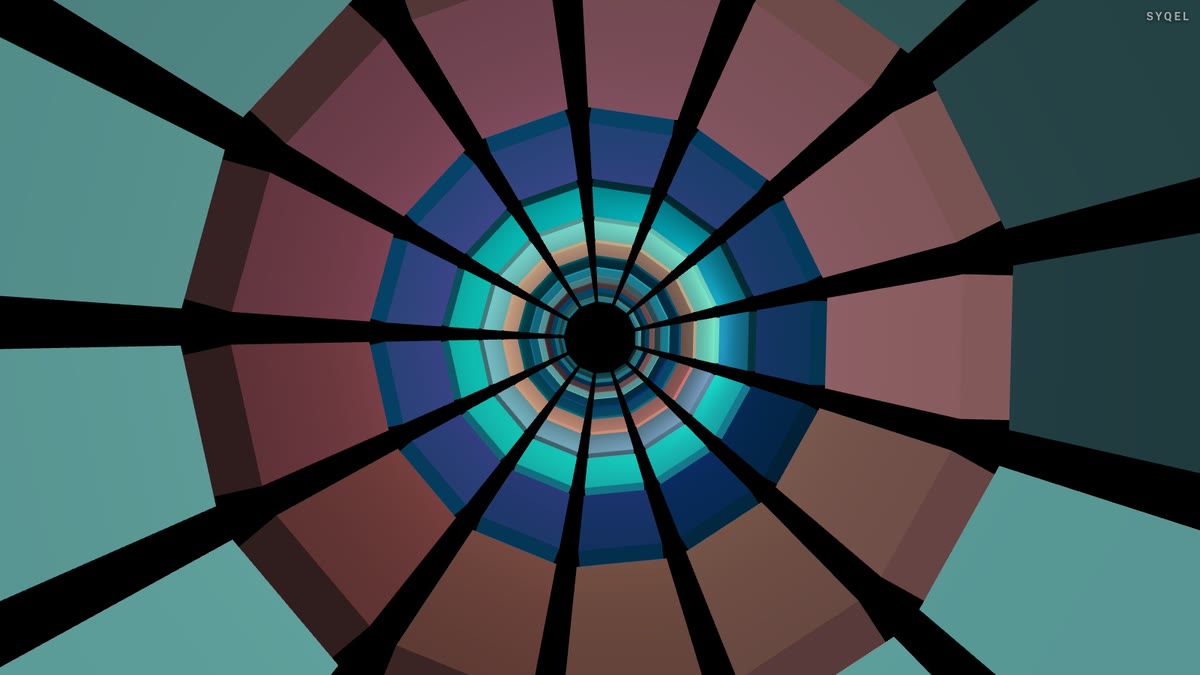
Control modes
Let it run on a timer, advance on the beat every 4 to 64 bars, or go fully manual and cut every visual yourself. Lock one for as long as the moment needs.
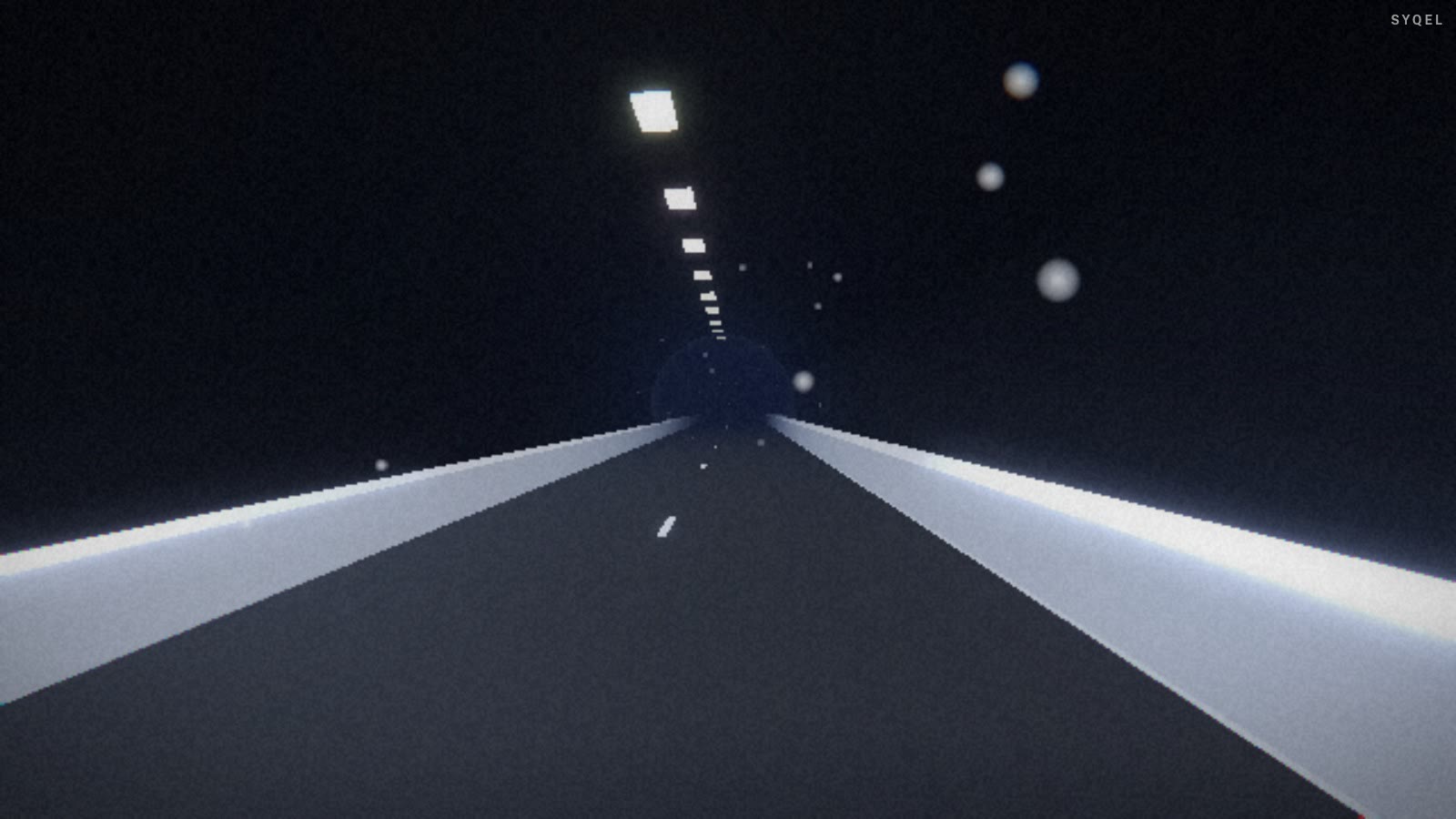
Works offline
Visuals, playlists, logos and hotkeys live on your machine. No internet at the venue, no problem — the show runs exactly the same. Sign in on another machine and your setup follows you.
Start here
All tutorials →
SYQEL Desktop quick start: audio-reactive visuals for your DJ set in 5 steps
The five things to set before your first gig: your sound source, how the visuals change, the big screen, and Record for a DJ mix video.

SYQEL Desktop full tutorial: every feature of the music visualizer, step by step
Everything in one sitting: sound sources, MIDI, playlists, Milkdrop, importing shaders and sending visuals to OBS.
Frequently asked questions
Which DJ software does SYQEL work with?
All of them. Because SYQEL reacts to your live audio output rather than hooking into a specific app, it works with Serato, rekordbox, Traktor, VirtualDJ, djay, Engine DJ, Mixxx, and anything else that makes sound.
Do I have to control the visuals while I mix?
No. The visuals react automatically. You can set a single look or a rotating playlist of them and leave it running, or tweak things live if you want — it's up to you.
Can I use it for livestreams?
Yes. SYQEL outputs into OBS and other broadcast tools via Spout, Mac Screen Share, and NDI, so your Twitch and YouTube streams get a reactive visual backdrop.
Make your sound look as good as it feels.
Every SYQEL is free to try. Answer a few questions and we’ll point you at the right one.