Works with your setup
A live music visualizer that works alongside Serato DJ
Run SYQEL alongside Serato DJ and turn your mix into a reactive light show. It listens to your output and moves with every kick, build, and drop — no clips to cue, no timeline to babysit.
Free to try · Windows & macOS · No card required

Just want it to run itself, zero setup? SYQEL Live →

Serato visualizer: live visuals that react to your Serato DJ set
SYQEL Desktop runs right alongside Serato DJ Pro. Pick Serato as the sound source and your screens follow the mix.
Serato gives you flawless control over the music. SYQEL gives that music a face. Because SYQEL reacts to live audio rather than a fixed video timeline, it follows wherever your set goes — every loop roll, every cut, every surprise request — and keeps the visuals locked to the moment. That makes it a natural second screen for mobile DJs, club residents, and anyone who wants the room to feel the mix, not just hear it.
How SYQEL works with Serato
Keep Serato exactly as it is
No plugin, no MIDI mapping, no changes to your Serato setup. SYQEL runs as its own app next to it and reads the audio your system is already playing.
Point SYQEL at your output
Choose your audio device or system sound as the source. SYQEL's engine starts analysing the signal — beat, energy, frequency — in real time.
Throw it on the wall
Go fullscreen on a second screen or projector, or send the visuals into OBS and Resolume over Spout, Mac Screen Share, or NDI for a bigger rig.
Reacts to the actual mix
No pre-rendered loops that drift out of time. SYQEL is driven by your live master output, so the visuals hit when the music hits.
Your name, not ours
Drop in your logo and marquee text so the screen reps your brand all night, whether it's a wedding, a club, or a livestream.
A look for every room
Thousands of presets plus AI-generated shaders mean you can match the energy of a cocktail hour or a peak-time warehouse set.
Scales with your setup
Start with a laptop and a TV; grow into projectors and a full broadcast chain with Spout, Mac Screen Share, and NDI output.
What's in SYQEL Desktop
The parts DJs use every night — each one documented, none of them extra software.
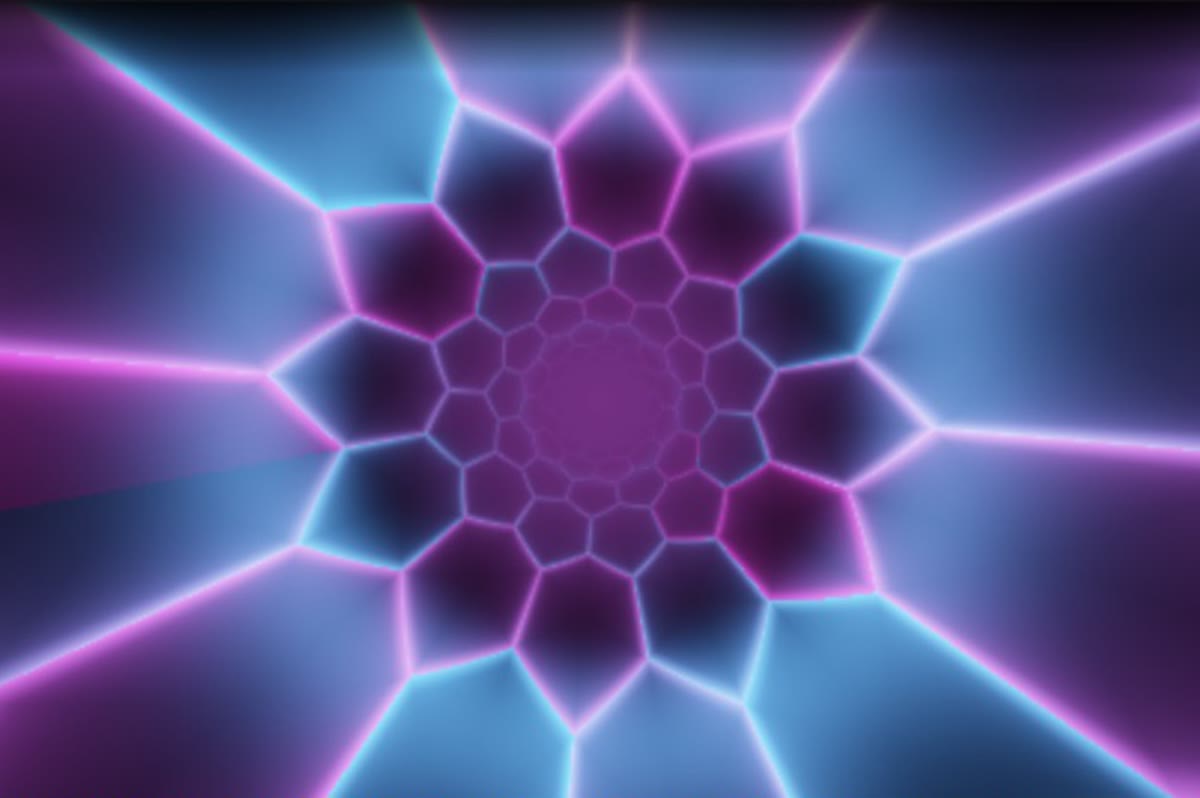
Create visuals with AI
Describe a look — "neon hexagon tunnel that pulses with the bass" — and get a brand-new audio-reactive shader, or generate an image and let the AI animate it. Adjust it for free, keep what you make.

Five visual feeds
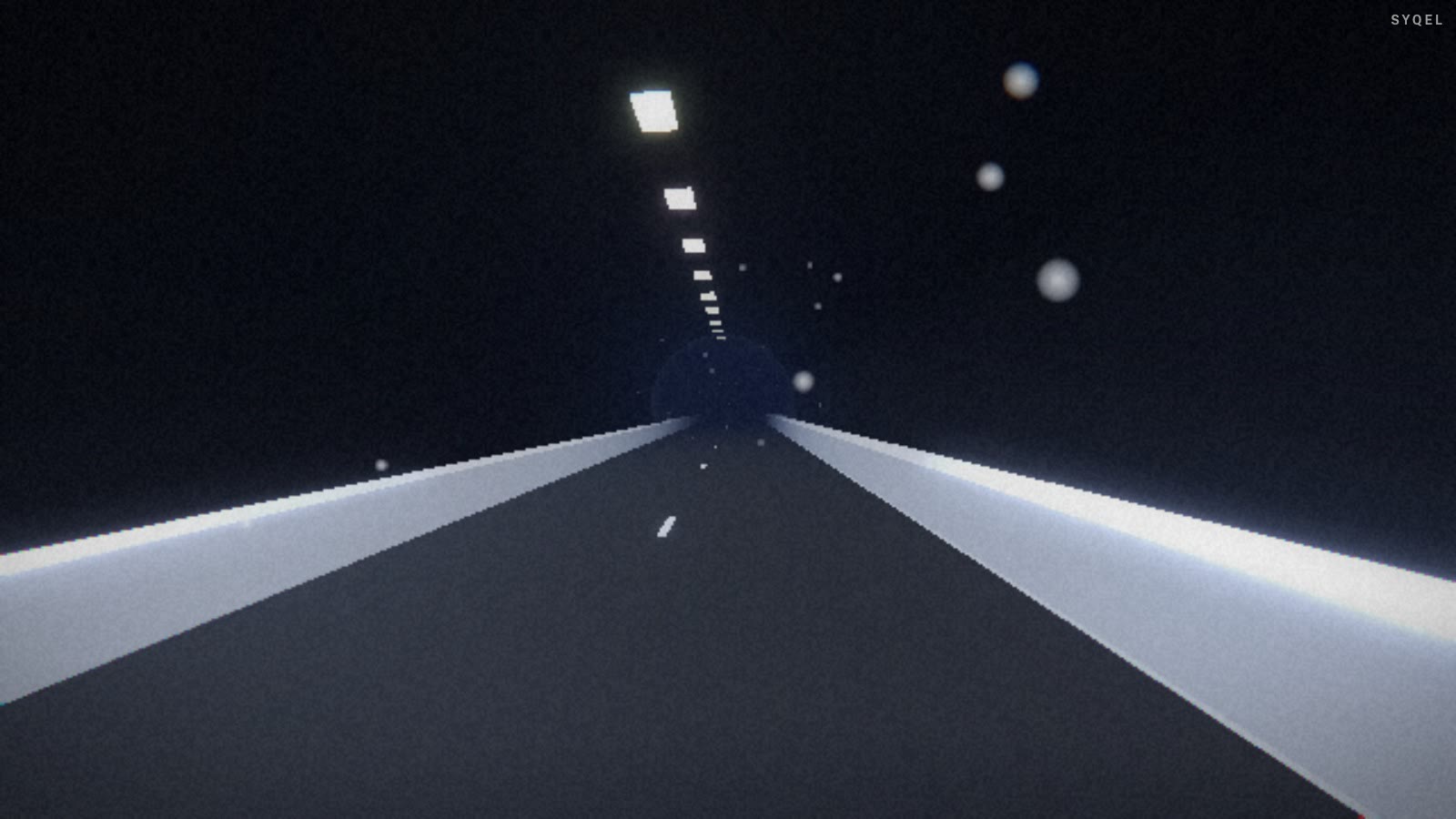
Worlds, shaders, scenes, Milkdrop and image visuals — hundreds of looks in one library, every one of them reacting to the music in real time.

Control with MIDI or keyboard
Space for the next visual, Enter to hold one for the drop, Backspace to go back. Put any control, visual or playlist on a key or a pad with Learn Key and Learn MIDI — on every plan.
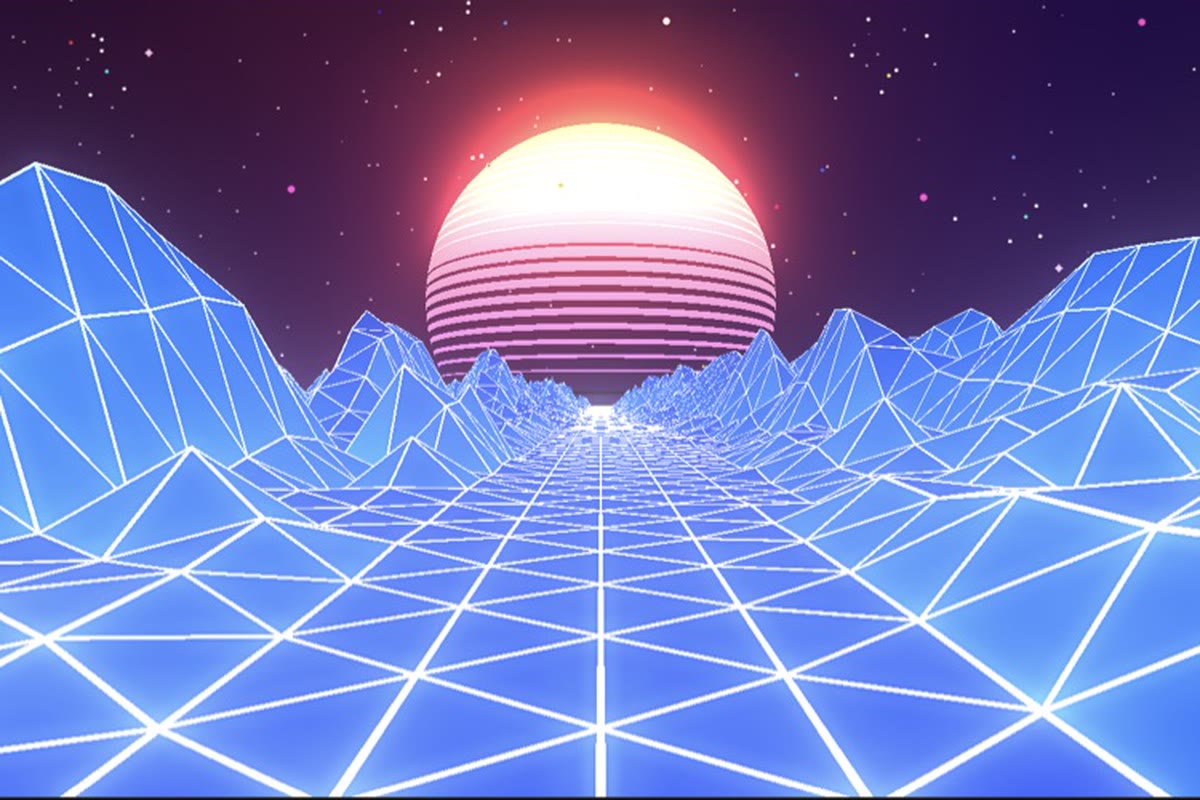
Record four formats at once
Press R and SYQEL saves four videos in one go — 16:9, 1:1, 9:16 and 4:5 — with your audio in them, straight into a SYQEL folder. One for every platform, nothing to capture or convert.
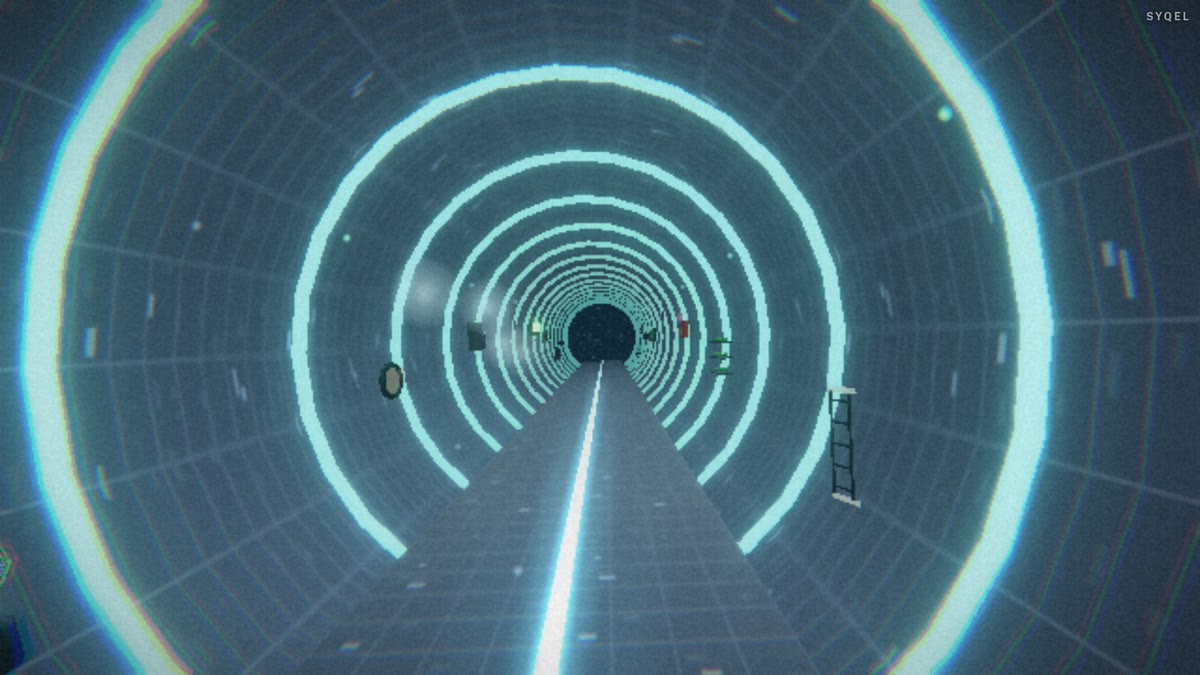
Logos
Up to nine of them — yours, a sponsor’s, the night’s — each with its own position and size, switched live on keys 1–9. The one-time unlock removes the SYQEL mark entirely.
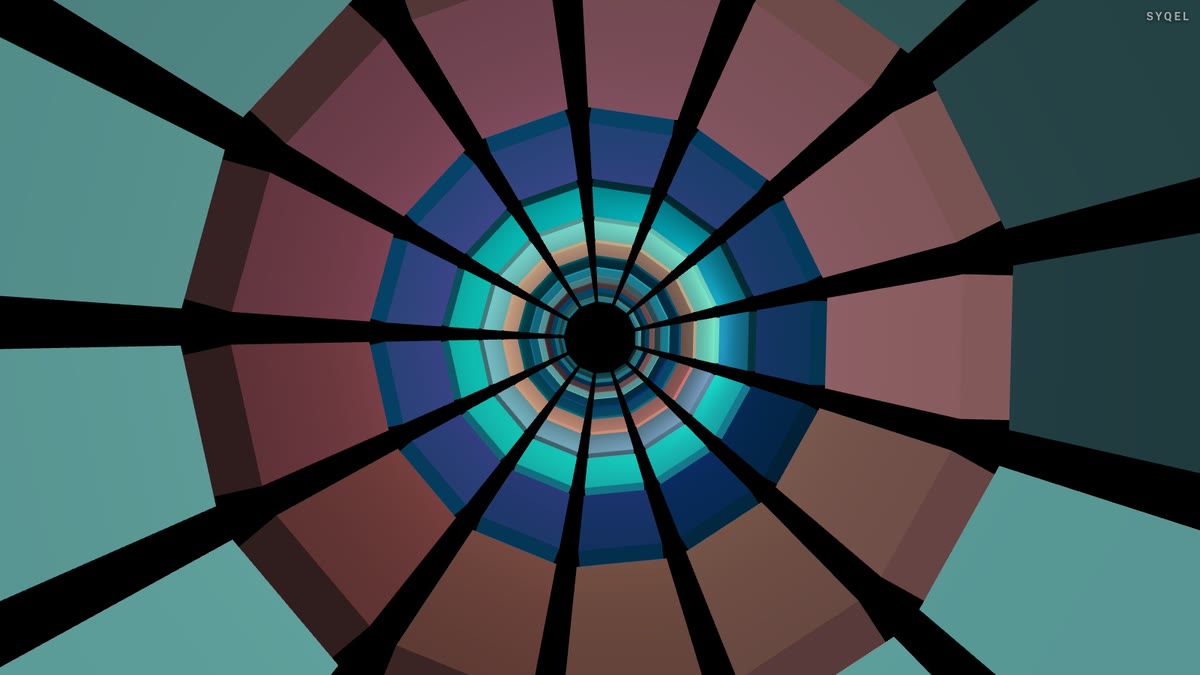
Control modes
Let it run on a timer, advance on the beat every 4 to 64 bars, or go fully manual and cut every visual yourself. Lock one for as long as the moment needs.
Works offline
Visuals, playlists, logos and hotkeys live on your machine. No internet at the venue, no problem — the show runs exactly the same. Sign in on another machine and your setup follows you.
Frequently asked questions
Does SYQEL connect to Serato directly?
It doesn't need to. SYQEL reacts to the live audio coming out of Serato, so there's nothing to map or configure inside Serato itself — just pick your audio source in SYQEL and play.
Will it slow down Serato on the same laptop?
SYQEL is built to run live alongside DJ software. For demanding rigs you can also run visuals on a second machine and pull the audio in, but most DJs run both on one modern laptop without issue.
Can I use my own logo over the visuals?
Yes. With the one-time unlock you can add your own logo, and marquee text in your colours works on every plan, so the output looks like your show, not generic software.
Make your sound look as good as it feels.
Every SYQEL is free to try. Answer a few questions and we’ll point you at the right one.