SYQEL Desktop
Your sets, visualized — recorded and ready to post.
Ideal for DJs on Serato, rekordbox and friends who record and share their sets — and for VJs and venues who want full control.
Point it at rekordbox or Serato and the visuals follow your mix — no cable, no routing. Press R and it records four videos at once, one for every platform, audio included. Your logo on the wall, every control on a key or a pad, and it all works offline. Behind that: five feeds of visuals, playlists that run the set, and pro output into any rig. Used by 25,000+ DJs, VJs, venues and listeners. Free to try on Mac and Windows.

One library, five kinds of visual
Filter the show to one style or let the program roam across all of them — every feed reacts to the kick, the bass, and the hats separately, live.

Worlds
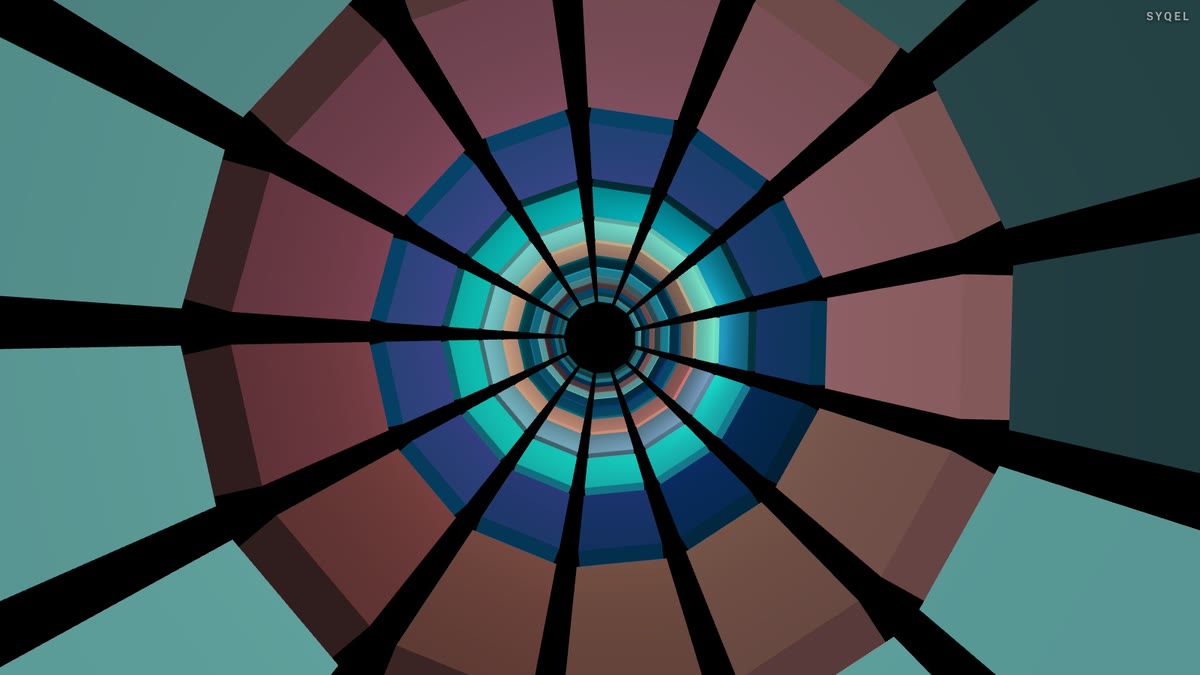
3D journeys that travel with the music — terrain, tunnels and skies that build when the track does.
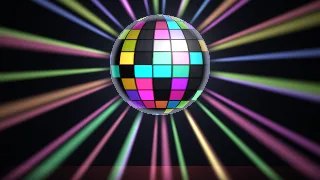
Shaders
Hand-tuned looks in Ambient, Party, Chill Out and Worship collections, each reacting to kick, bass and hats separately.
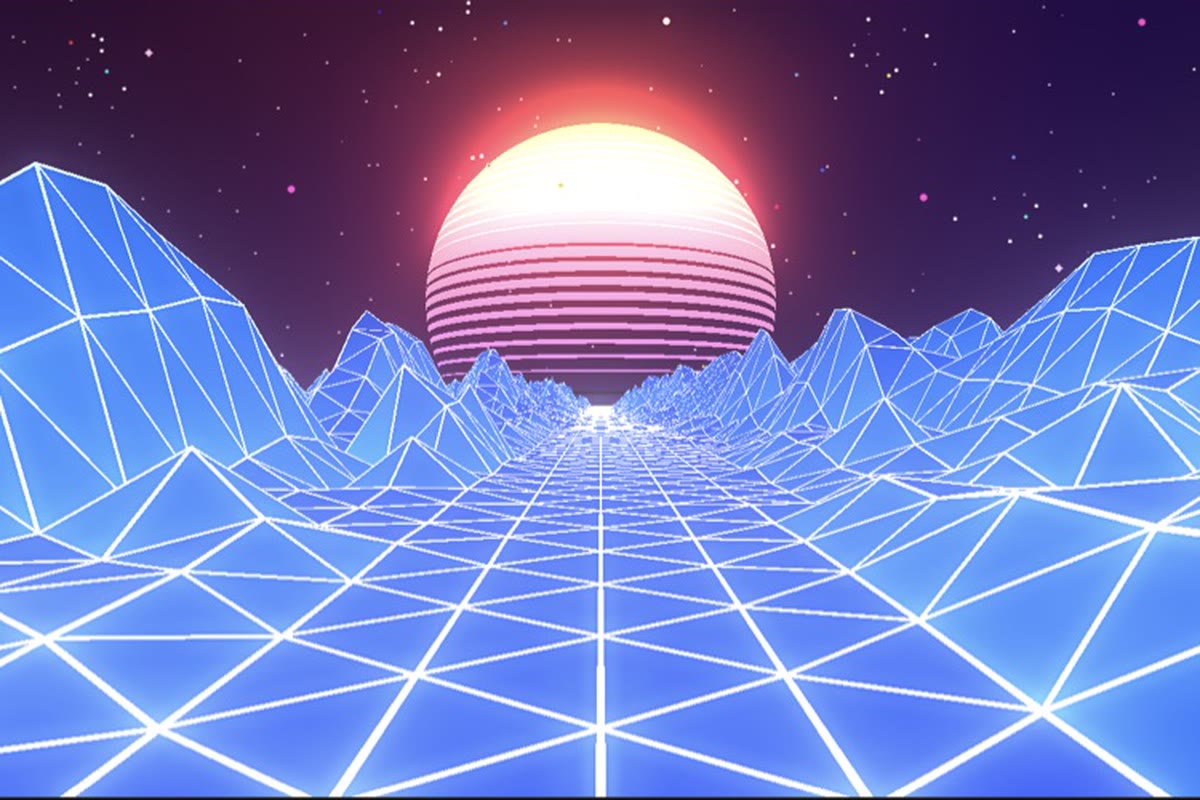
Scenes
Real-time 3D scenes, from synthwave terrain to VR tunnels — rendered live, never a video loop.
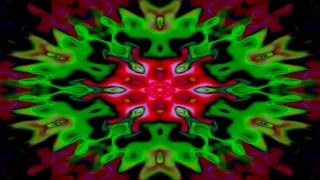
Milkdrop
The classic preset universe, built in. Import your own collection and it plays offline.
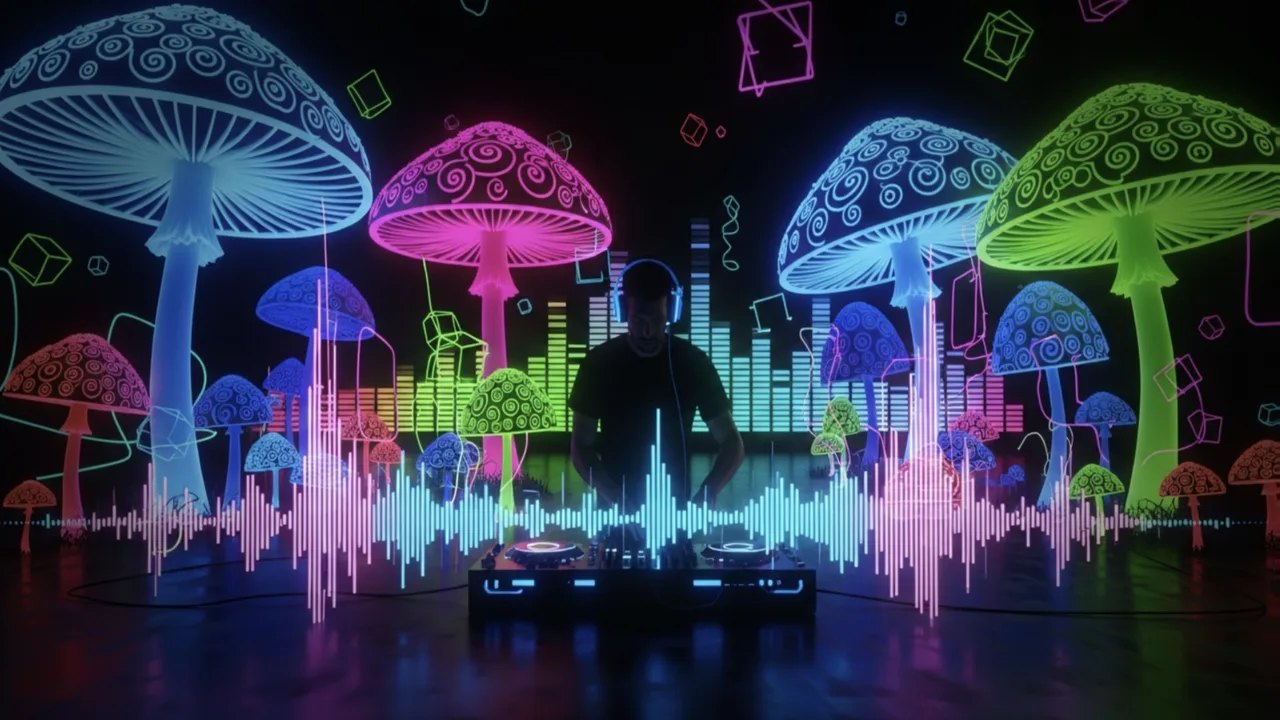
Image Visuals
Your AI-generated images, animated by AI-written shader motion — visuals nobody else has.
Everything you need behind the decks

Create visuals with AI
Describe a look — "neon hexagon tunnel that pulses with the bass" — and get a brand-new audio-reactive shader, or generate an image and let the AI animate it. Adjust it for free, keep what you make.

Five visual feeds
Worlds, shaders, scenes, Milkdrop and image visuals — hundreds of looks in one library, every one of them reacting to the music in real time.

Control with MIDI or keyboard
Space for the next visual, Enter to hold one for the drop, Backspace to go back. Put any control, visual or playlist on a key or a pad with Learn Key and Learn MIDI — on every plan.

Broadcast and NDI
Press B for a clean output window to capture in OBS, or send the visuals over your network with NDI into OBS, vMix or Resolume — Spout too, on Windows.
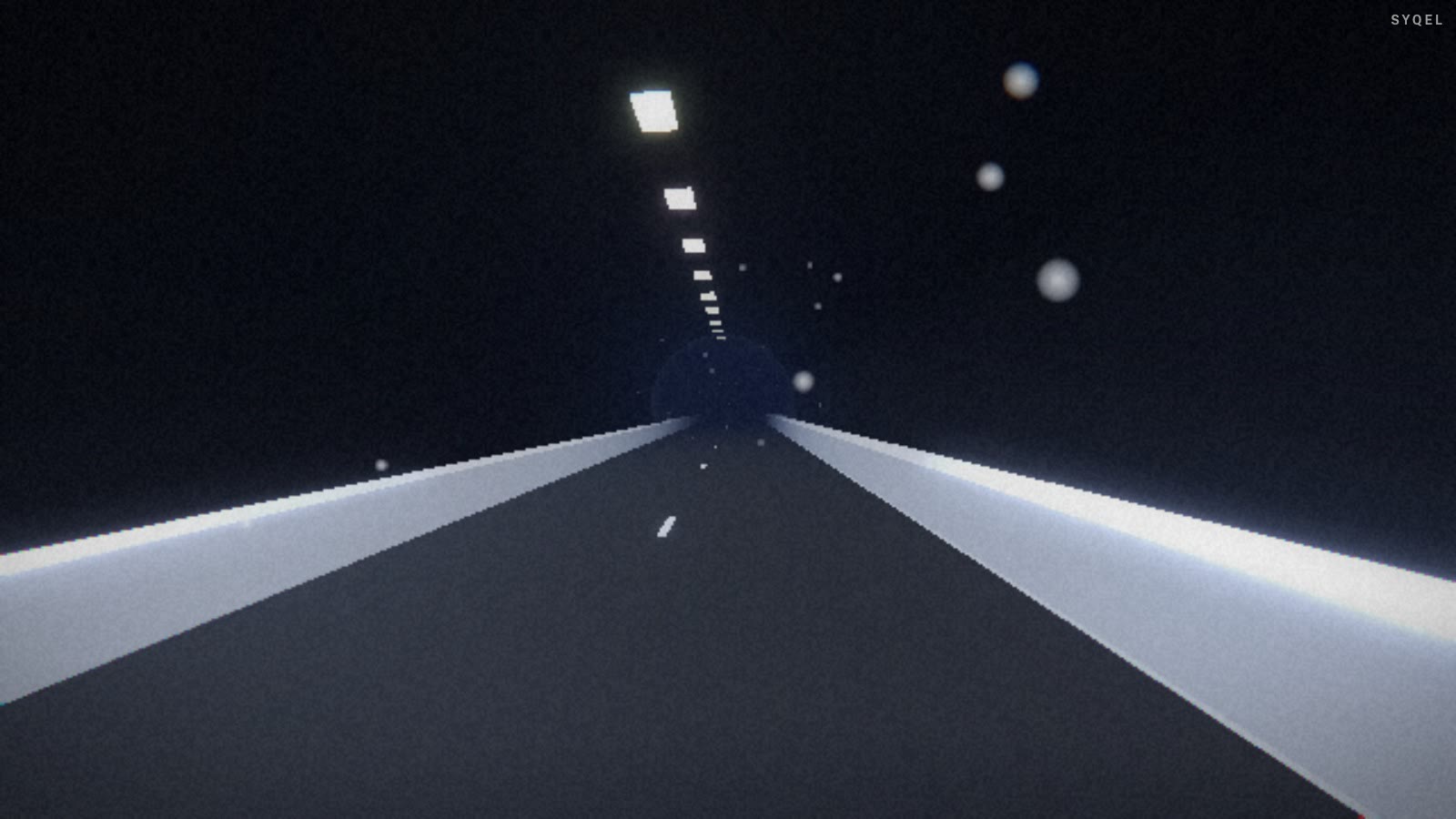
Works offline
Visuals, playlists, logos and hotkeys live on your machine. No internet at the venue, no problem — the show runs exactly the same. Sign in on another machine and your setup follows you.
Record four formats at once
Press R and SYQEL saves four videos in one go — 16:9, 1:1, 9:16 and 4:5 — with your audio in them, straight into a SYQEL folder. One for every platform, nothing to capture or convert.
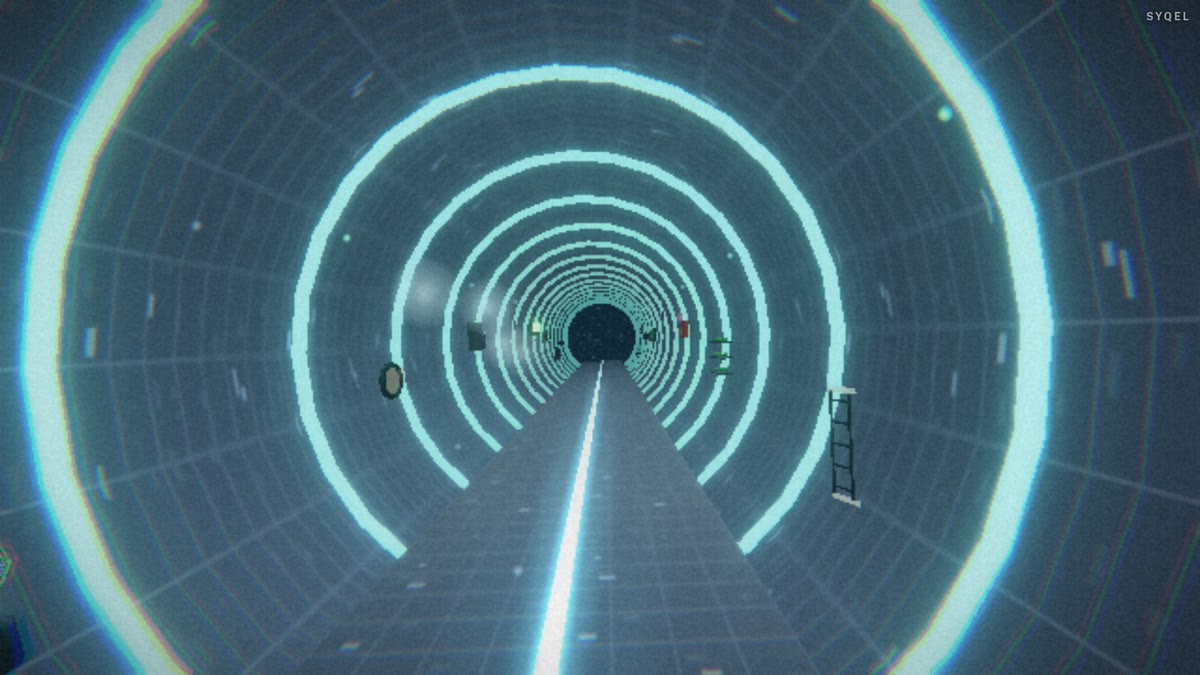
Logos
Up to nine of them — yours, a sponsor’s, the night’s — each with its own position and size, switched live on keys 1–9. The one-time unlock removes the SYQEL mark entirely.
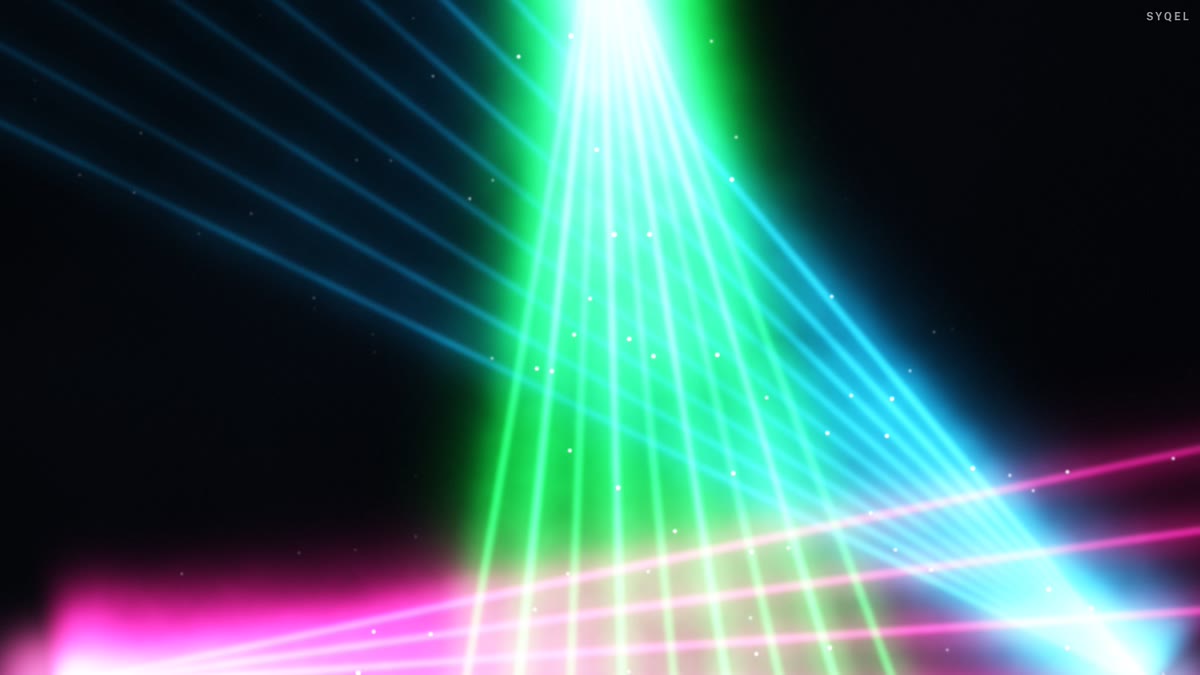
Marquee
A line of text scrolling across the visuals — your handle, a shout-out, a drink special. Press M to show or hide it. Any language, every plan.
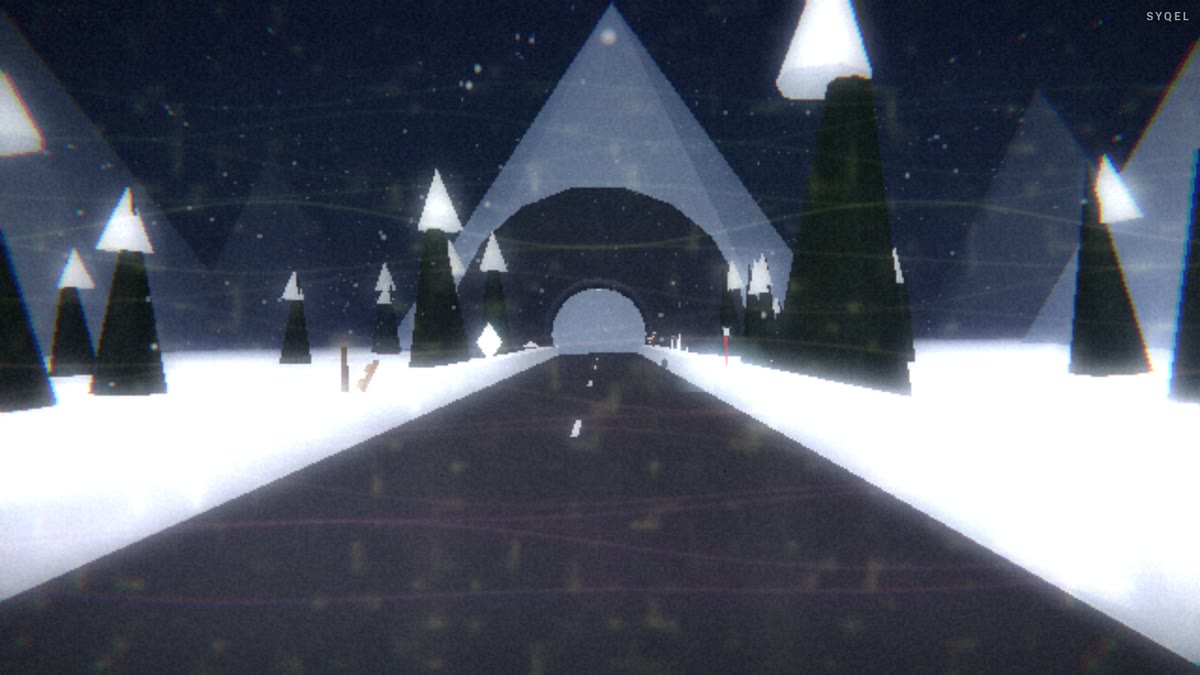
Frequency reactiveness
An EQ for what the visuals hear. Favour the kick and bass, or the hats and vocals, with presets or your own curve — and it carries into recordings and broadcasts.
Control modes
Let it run on a timer, advance on the beat every 4 to 64 bars, or go fully manual and cut every visual yourself. Lock one for as long as the moment needs.
Start here
All tutorials →
SYQEL Desktop quick start: audio-reactive visuals for your DJ set in 5 steps
The five things to set before your first gig: your sound source, how the visuals change, the big screen, and Record for a DJ mix video.

SYQEL Desktop full tutorial: every feature of the music visualizer, step by step
Everything in one sitting: sound sources, MIDI, playlists, Milkdrop, importing shaders and sending visuals to OBS.
Free to try. Pay once to unlock.
Trying costs nothing: the whole app runs with a SYQEL logo on the output.
The one-time unlock takes it off, with 12 months of updates.
Visual packs and AI credits are sold separately.
Make your sound look as good as it feels.
Every SYQEL is free to try. Answer a few questions and we’ll point you at the right one.