For your craft
Reactive music visuals built for content output
Every music-driven piece of content you publish needs a visual layer that holds attention. SYQEL generates one from the audio itself — record it, brand it, and push it to any platform.
Free to try · Windows & macOS · No card required

Want the show fully automated? SYQEL Live →
Content creators working with music face the same problem on every format: you need a visual that moves with the track without spending hours in After Effects or paying for motion design on every upload. SYQEL solves it by reading the audio and generating reactive visuals in real time. Record the output as a video, layer in your logo and marquee text, and you have a finished asset ready for YouTube, Reels, TikTok, or a podcast clip. The AI shader generator means you can make a new look for every release or series in minutes rather than sourcing new stock footage or waiting on a designer.
How SYQEL works with content creators
Load or play the audio
Drop a finished track or play live audio from any source. SYQEL reads the signal and generates a reactive visual immediately — no timeline setup, no keyframing.
Customize the look and brand it
Browse thousands of presets or generate a custom shader with a text prompt. Add your logo and marquee text so every piece of recorded content is branded before it leaves the app.
Record and export for any platform
Capture the reactive visual output directly from SYQEL as a video file. Drop it into your editing timeline for YouTube, trim it for Reels or TikTok, or use it as a lyric video background.
A new visual for every release
AI shader generation turns a plain-language description into a custom audio-reactive look in seconds — practical for matching a new visual to every single, EP, or series.
Works across content formats
Record a full-length reactive video for YouTube, crop a loop for Reels, or isolate a 60-second peak for TikTok — all from the same recorded session.
Your branding in every frame
Logo and marquee text overlay means your channel name, artist name, or brand appears in every piece of content without adding it in post.
No motion design skills required
Thousands of presets cover a wide range of aesthetics out of the box. When you need something specific, describe it in plain language and the AI generates it.
What's in SYQEL Desktop
The parts DJs use every night — each one documented, none of them extra software.
Works offline
Visuals, playlists, logos and hotkeys live on your machine. No internet at the venue, no problem — the show runs exactly the same. Sign in on another machine and your setup follows you.
Five visual feeds
Worlds, shaders, scenes, Milkdrop and image visuals — hundreds of looks in one library, every one of them reacting to the music in real time.

Control with MIDI or keyboard
Space for the next visual, Enter to hold one for the drop, Backspace to go back. Put any control, visual or playlist on a key or a pad with Learn Key and Learn MIDI — on every plan.
Broadcast and NDI
Press B for a clean output window to capture in OBS, or send the visuals over your network with NDI into OBS, vMix or Resolume — Spout too, on Windows.
Create visuals with AI
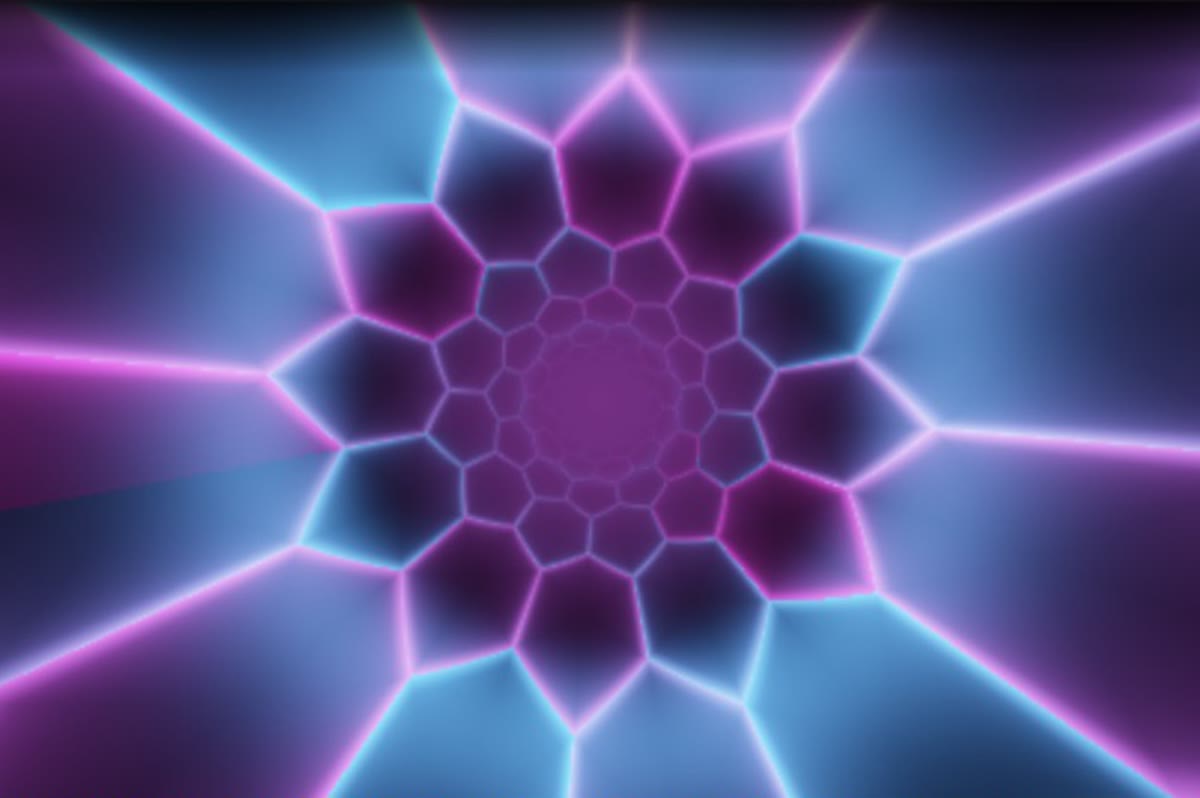
Describe a look — "neon hexagon tunnel that pulses with the bass" — and get a brand-new audio-reactive shader, or generate an image and let the AI animate it. Adjust it for free, keep what you make.
Record four formats at once
Press R and SYQEL saves four videos in one go — 16:9, 1:1, 9:16 and 4:5 — with your audio in them, straight into a SYQEL folder. One for every platform, nothing to capture or convert.
Start here
All tutorials →
SYQEL Desktop quick start: audio-reactive visuals for your DJ set in 5 steps
The five things to set before your first gig: your sound source, how the visuals change, the big screen, and Record for a DJ mix video.

SYQEL Desktop full tutorial: every feature of the music visualizer, step by step
Everything in one sitting: sound sources, MIDI, playlists, Milkdrop, importing shaders and sending visuals to OBS.
Frequently asked questions
Can I record the reactive visual as a video file to edit later?
Yes. SYQEL lets you record the visual output directly from the app. You get a video file you can drop into any editing workflow — Premiere, Final Cut, DaVinci, CapCut — and composite it with lyrics, captions, or footage as needed.
How do I get a different look for each track or series I post?
Either browse the built-in preset library or use the AI generator: type a description of the mood or aesthetic you want and SYQEL produces a custom audio-reactive shader in seconds. Save it to your personal library and reuse it for consistent series branding.
Is it suitable for podcast clip visuals and lyric videos, or mainly DJ content?
It works well across formats. Podcast clips with music beds, lyric video backgrounds, track visualizer posts, and release content all benefit from a reactive visual layer — and SYQEL's presets cover energy levels from subtle ambient movement to peak-time intensity.
Make your sound look as good as it feels.
Every SYQEL is free to try. Answer a few questions and we’ll point you at the right one.