For your craft
Stage visuals that react to what you actually play
Pre-rendered video clips play on a fixed timeline whether your performance follows the plan or not. SYQEL listens to the live band and drives the visuals from the audio — every dynamic shift, extended solo, and improvised moment lands on screen.
Free to try · Windows & macOS · No card required

Want the show fully automated? SYQEL Live →
Getting a visual show behind a live band used to mean hiring a VJ or building a video timeline that locks you into the set list and the arrangement. SYQEL removes both constraints: it reads the live audio feed from the stage and generates visuals in real time, so the screen responds to what the band is actually doing — tempo, energy, bass weight, frequency content. Feed it into the venue's projectors over NDI without running extra cables, or push it into OBS for your livestream. When the tour cycle ends, use the same tool to turn your finished tracks into reactive promo videos for release campaigns.
How SYQEL works with musicians
Connect to the live audio feed
Route the monitor mix or a line from your interface into SYQEL. It reads the band's live output — tempo, energy, and frequency — and drives every visual frame from that signal.
Feed the venue rig directly
Send the visual output to projectors and LED walls via NDI over the venue's network, or use Spout and Mac Screen Share to integrate with a VJ's Resolume setup when one is on the gig.
Turn recordings into release content
Drop a finished track into SYQEL and record a reactive visualizer video for YouTube, Reels, or TikTok release promotion — no separate motion design required.
No VJ needed at smaller shows
The auto-reactive engine runs the visual show from your audio. At venues without a dedicated VJ, you still get a professional-looking screen.
Follows every live variation
Extended solos, crowd-driven breakdowns, tempo shifts — visuals respond to what's happening on stage, not a locked-down video timeline.
Integrates with venue rigs
NDI output reaches projectors and displays over the venue's existing network. Spout and Mac Screen Share slot into any VJ's Resolume rig as a native source.
Release content from your tracks
Load a finished track and SYQEL produces a reactive visualizer recording. Practical for single and album release videos without hiring a motion designer.
What's in SYQEL Desktop
The parts DJs use every night — each one documented, none of them extra software.
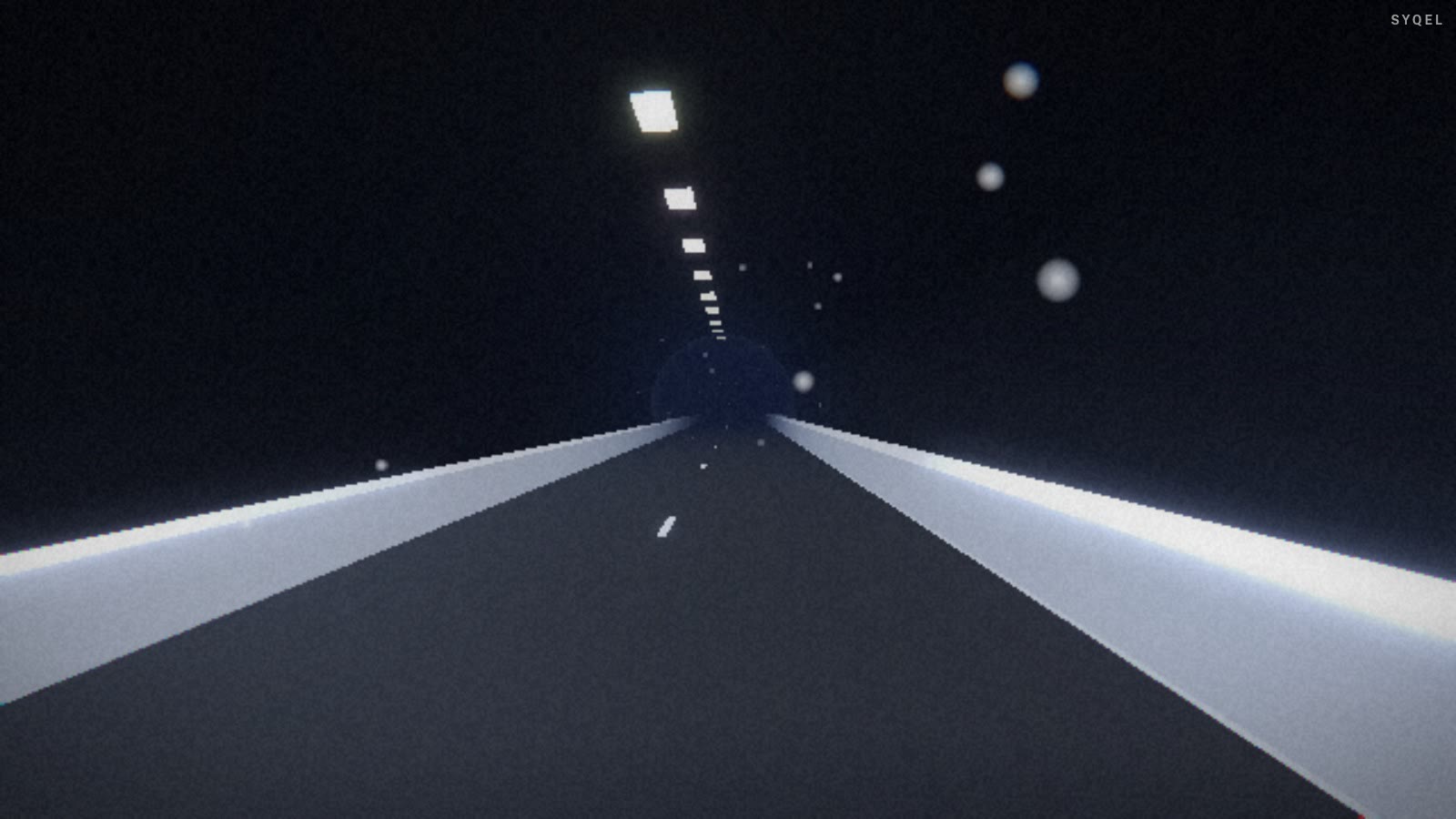
Works offline
Visuals, playlists, logos and hotkeys live on your machine. No internet at the venue, no problem — the show runs exactly the same. Sign in on another machine and your setup follows you.

Five visual feeds
Worlds, shaders, scenes, Milkdrop and image visuals — hundreds of looks in one library, every one of them reacting to the music in real time.

Control with MIDI or keyboard
Space for the next visual, Enter to hold one for the drop, Backspace to go back. Put any control, visual or playlist on a key or a pad with Learn Key and Learn MIDI — on every plan.

Broadcast and NDI
Press B for a clean output window to capture in OBS, or send the visuals over your network with NDI into OBS, vMix or Resolume — Spout too, on Windows.

Create visuals with AI
Describe a look — "neon hexagon tunnel that pulses with the bass" — and get a brand-new audio-reactive shader, or generate an image and let the AI animate it. Adjust it for free, keep what you make.
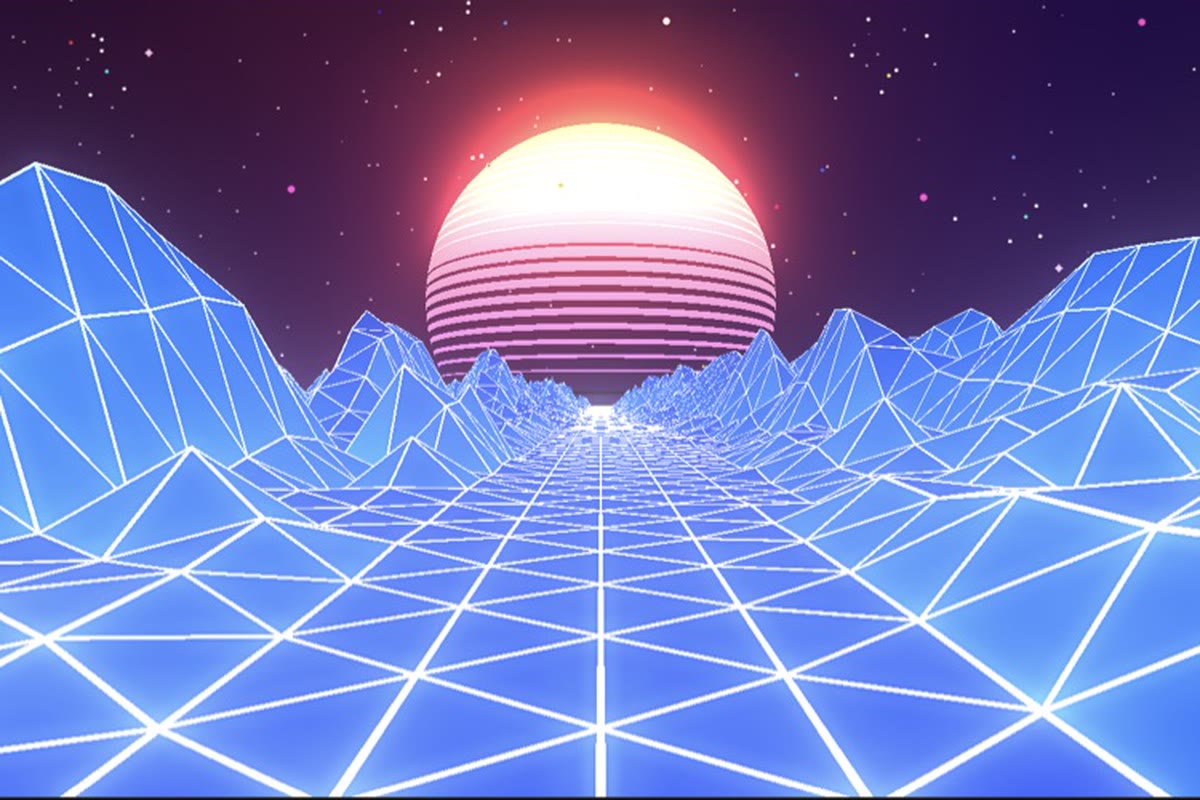
Record four formats at once
Press R and SYQEL saves four videos in one go — 16:9, 1:1, 9:16 and 4:5 — with your audio in them, straight into a SYQEL folder. One for every platform, nothing to capture or convert.
Start here
All tutorials →
SYQEL Desktop quick start: audio-reactive visuals for your DJ set in 5 steps
The five things to set before your first gig: your sound source, how the visuals change, the big screen, and Record for a DJ mix video.

SYQEL Desktop full tutorial: every feature of the music visualizer, step by step
Everything in one sitting: sound sources, MIDI, playlists, Milkdrop, importing shaders and sending visuals to OBS.
Frequently asked questions
Do I need a dedicated laptop just for SYQEL at live shows?
It helps to have one, but it runs on any modern Windows or macOS machine. Many musicians run it on the same laptop handling backing tracks or monitoring, then send the output over NDI to the front-of-house display rig.
Can I use SYQEL to make promo videos for my releases?
Yes. Load a finished track, select a preset or generate a custom shader, and record the reactive output directly from the app. The result is a shareable video file ready for YouTube, Reels, or TikTok.
What if I want specific visuals for specific songs?
You can save presets and organize them into playlists. Before the show, build a playlist that matches your set list. You stay in control of transitions while SYQEL handles the audio reactivity within each look.
Related setups
Make your sound look as good as it feels.
Every SYQEL is free to try. Answer a few questions and we’ll point you at the right one.