Works with your setup
Live visual performance for Engine DJ users
SYQEL runs alongside Engine DJ and converts your master output into a reactive visual experience — on a second screen, a projector, or a broadcast stream.
Free to try · Windows & macOS · No card required

Just want it to run itself, zero setup? SYQEL Live →
Engine DJ powers the standalone players and software that many touring DJs rely on when they step behind a Denon or SC setup. SYQEL integrates into that workflow without touching it — it reads the audio coming out of your system and reacts to every phrase, filter sweep, and energy peak in real time. That makes it equally useful for a DJ running Engine DJ software on a laptop at a private event and for a performer pairing a laptop with a standalone controller on a festival stage.
How SYQEL works with Engine DJ
Plug SYQEL into your audio output
SYQEL needs no change to your Engine DJ settings. Select your audio interface or system output in SYQEL and the engine starts listening immediately.
Let the FFT engine drive the visuals
Beat, bass, energy, and frequency are analyzed in real time. The visual library responds to every dynamic shift in your mix without any manual input.
Output to screen or broadcast chain
Go fullscreen on a projector, or route visuals into OBS, Resolume, or a venue AV system via Spout, Mac Screen Share, or NDI.
Instant sync to your output
No video clips to prep before a gig. SYQEL reacts to the live audio, so the first bar you play is the first bar the visuals respond to.
A library built for live performance
Choose from thousands of presets across Milkdrop, Three.js, and GLSL to find a visual language that fits the venue and crowd.
Custom shaders on demand
SYQEL's AI lets you describe a visual style and generates a unique audio-reactive shader on the spot — no GLSL knowledge required.
Professional broadcast output
Spout, Mac Screen Share, and NDI send the reactive signal into your broadcast chain or venue AV system without screen-capture latency.
What's in SYQEL Desktop
The parts DJs use every night — each one documented, none of them extra software.

Create visuals with AI
Describe a look — "neon hexagon tunnel that pulses with the bass" — and get a brand-new audio-reactive shader, or generate an image and let the AI animate it. Adjust it for free, keep what you make.

Five visual feeds
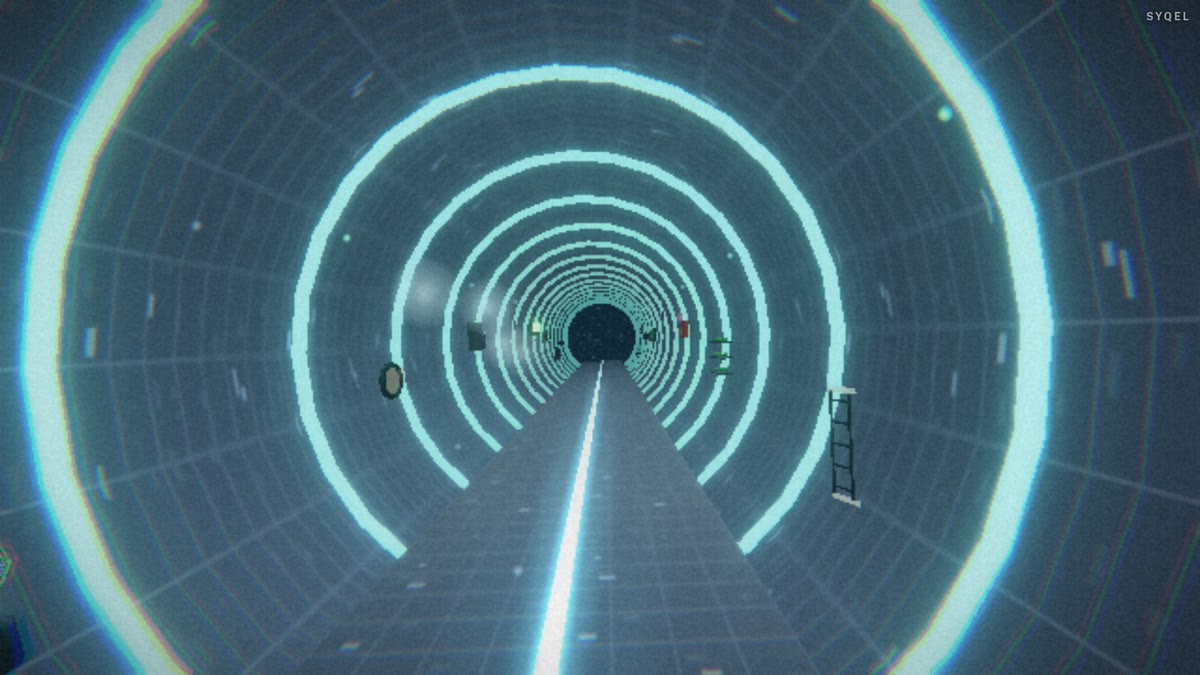
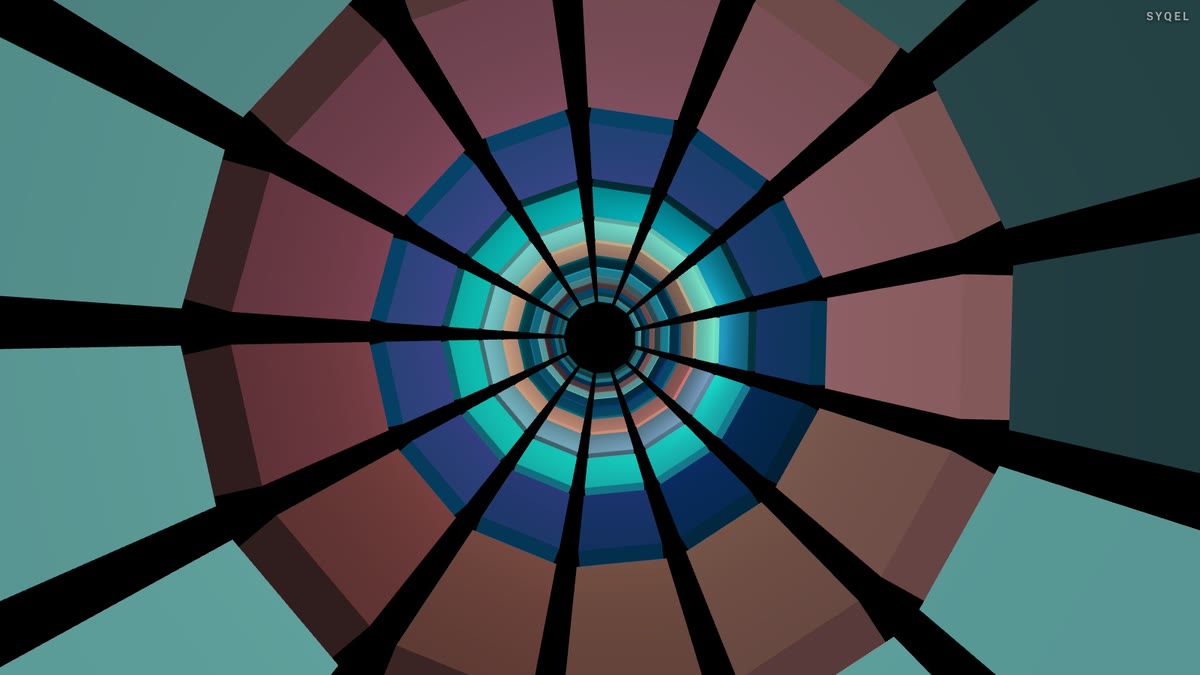
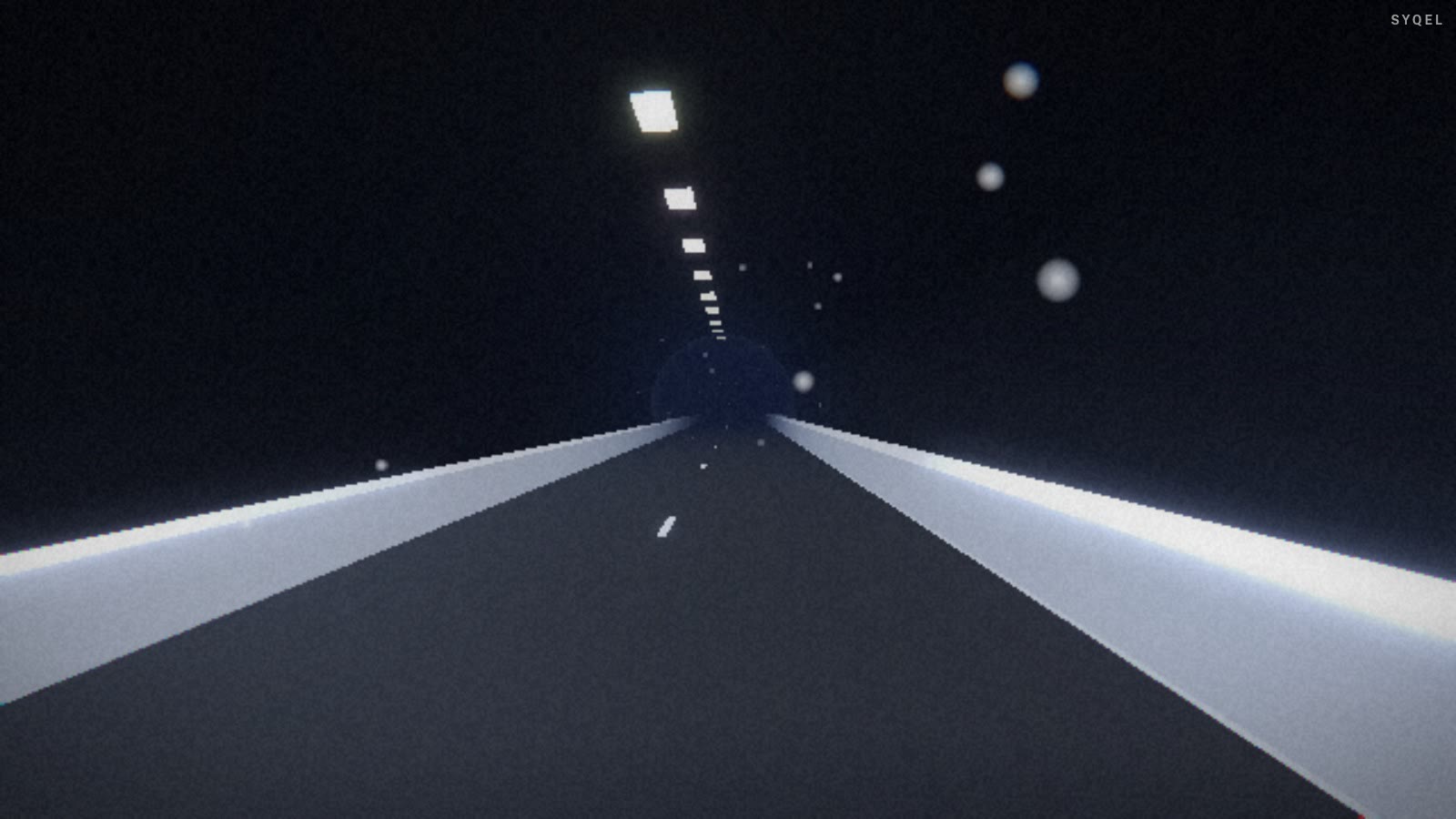
Worlds, shaders, scenes, Milkdrop and image visuals — hundreds of looks in one library, every one of them reacting to the music in real time.

Control with MIDI or keyboard
Space for the next visual, Enter to hold one for the drop, Backspace to go back. Put any control, visual or playlist on a key or a pad with Learn Key and Learn MIDI — on every plan.

Record four formats at once
Press R and SYQEL saves four videos in one go — 16:9, 1:1, 9:16 and 4:5 — with your audio in them, straight into a SYQEL folder. One for every platform, nothing to capture or convert.
Logos
Up to nine of them — yours, a sponsor’s, the night’s — each with its own position and size, switched live on keys 1–9. The one-time unlock removes the SYQEL mark entirely.
Control modes
Let it run on a timer, advance on the beat every 4 to 64 bars, or go fully manual and cut every visual yourself. Lock one for as long as the moment needs.
Works offline
Visuals, playlists, logos and hotkeys live on your machine. No internet at the venue, no problem — the show runs exactly the same. Sign in on another machine and your setup follows you.
Start here
All tutorials →
SYQEL Desktop quick start: audio-reactive visuals for your DJ set in 5 steps
The five things to set before your first gig: your sound source, how the visuals change, the big screen, and Record for a DJ mix video.

SYQEL Desktop full tutorial: every feature of the music visualizer, step by step
Everything in one sitting: sound sources, MIDI, playlists, Milkdrop, importing shaders and sending visuals to OBS.
Frequently asked questions
Does SYQEL work with Engine DJ standalone hardware?
SYQEL runs on a laptop or desktop connected to your audio output. When using standalone players, run SYQEL on a laptop that receives audio from your mixer's booth or master output, then display or broadcast visuals from that machine.
Can I run Engine DJ software and SYQEL on the same Windows laptop?
Yes. SYQEL is designed to run alongside DJ software on shared hardware. A modern mid-range laptop handles both without issue in most cases.
Is there a free trial before I pay?
SYQEL is free to try with no credit card required. Evaluate the full visual library and reactive engine with the SYQEL watermark on; the one-time unlock removes it and adds your own logo, and AI credits add AI visuals.
Make your sound look as good as it feels.
Every SYQEL is free to try. Answer a few questions and we’ll point you at the right one.