For venues & spaces
Audio-reactive visuals for live worship
Most churches loop the same handful of motion backgrounds behind the band. SYQEL listens to the room and moves with the music — so the screens breathe with the worship set instead of repeating on a timer.
Free to try · Windows & macOS · No card required

Want the show fully automated? SYQEL Live →
Contemporary worship is live, dynamic, and full of dynamics — quiet verses, swelling bridges, full-band choruses. Static video loops and styled slideshows can't follow any of that. SYQEL can. It reads the live audio from your stage and drives visuals that rise and fall with the music, giving your tech team a backdrop that feels intentional without anyone riding a fader all night. It's a genuinely new option for worship: almost nobody is doing real audio-responsive visuals for live bands, and it sits comfortably next to the tools you already run for lyrics and scripture.
How SYQEL works with churches
Take a feed from the board
Send SYQEL an audio feed — an aux out from the mixer, or the room sound — and it starts analysing the band's energy and rhythm in real time.
Pick worship-appropriate looks
Choose calmer, ambient visuals for reflective moments and fuller, brighter ones for the choruses. Save them so a volunteer can run the service with a couple of clicks.
Send it to the screens
Output to your projectors or wall, or pipe it into your existing presentation rig over NDI so it sits behind lyrics and scripture.
Moves with the band, not a timer
Because it reacts to live audio, the backdrop follows the actual worship set — building through the bridge and easing back for the quiet moments.
Volunteer-friendly
Save a set of approved looks ahead of time so whoever's on tech this week can run beautiful visuals without deep training.
Fits your existing rig
NDI output lets SYQEL feed straight into your presentation software and screens alongside the lyrics and scripture you already display.
Seasonal, on demand
Generate fresh looks for Christmas, Easter, or a sermon series in seconds with AI — no stock-footage subscription to manage.
What's in SYQEL Desktop
The parts DJs use every night — each one documented, none of them extra software.
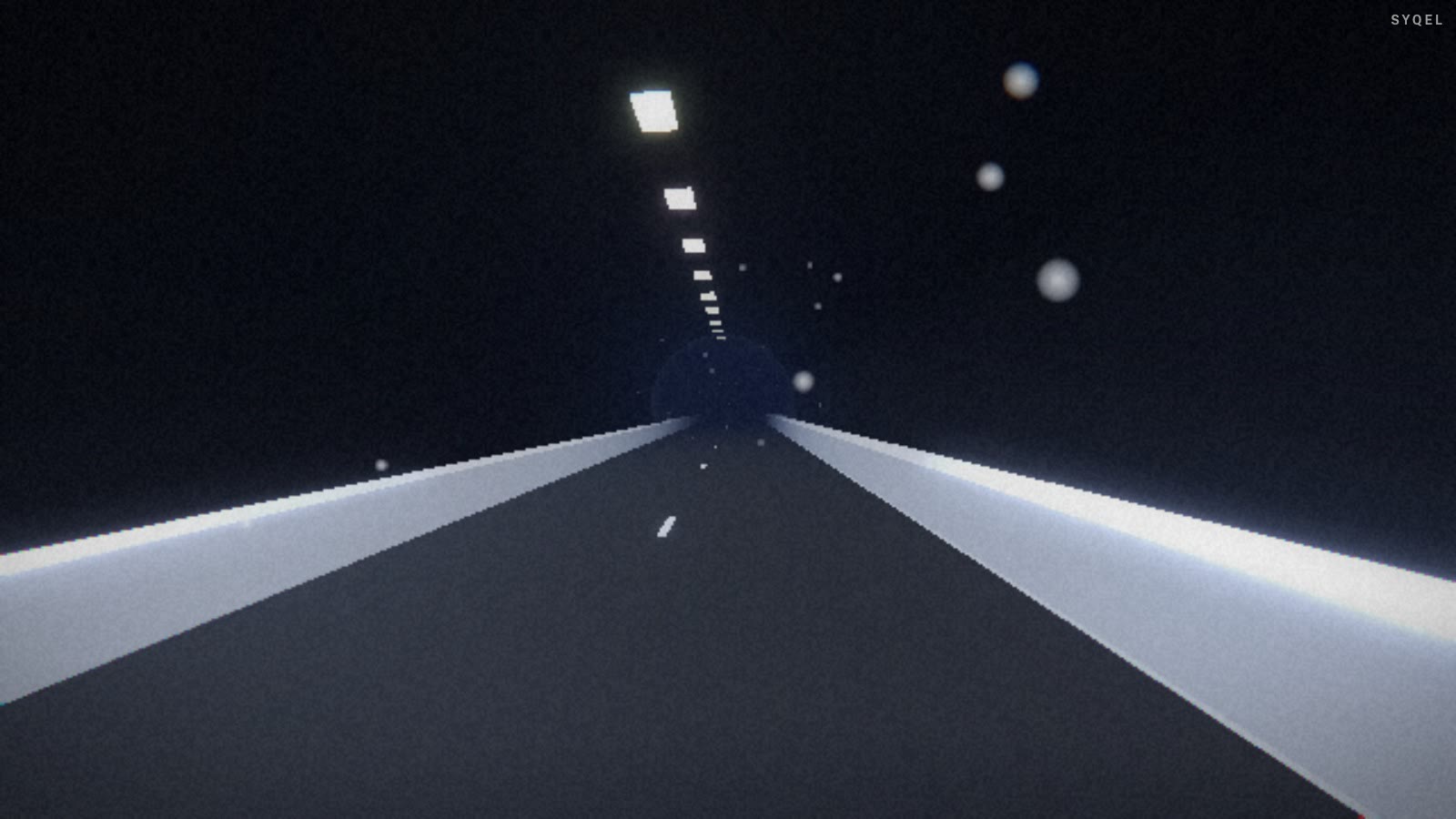
Works offline
Visuals, playlists, logos and hotkeys live on your machine. No internet at the venue, no problem — the show runs exactly the same. Sign in on another machine and your setup follows you.

Five visual feeds
Worlds, shaders, scenes, Milkdrop and image visuals — hundreds of looks in one library, every one of them reacting to the music in real time.

Control with MIDI or keyboard
Space for the next visual, Enter to hold one for the drop, Backspace to go back. Put any control, visual or playlist on a key or a pad with Learn Key and Learn MIDI — on every plan.
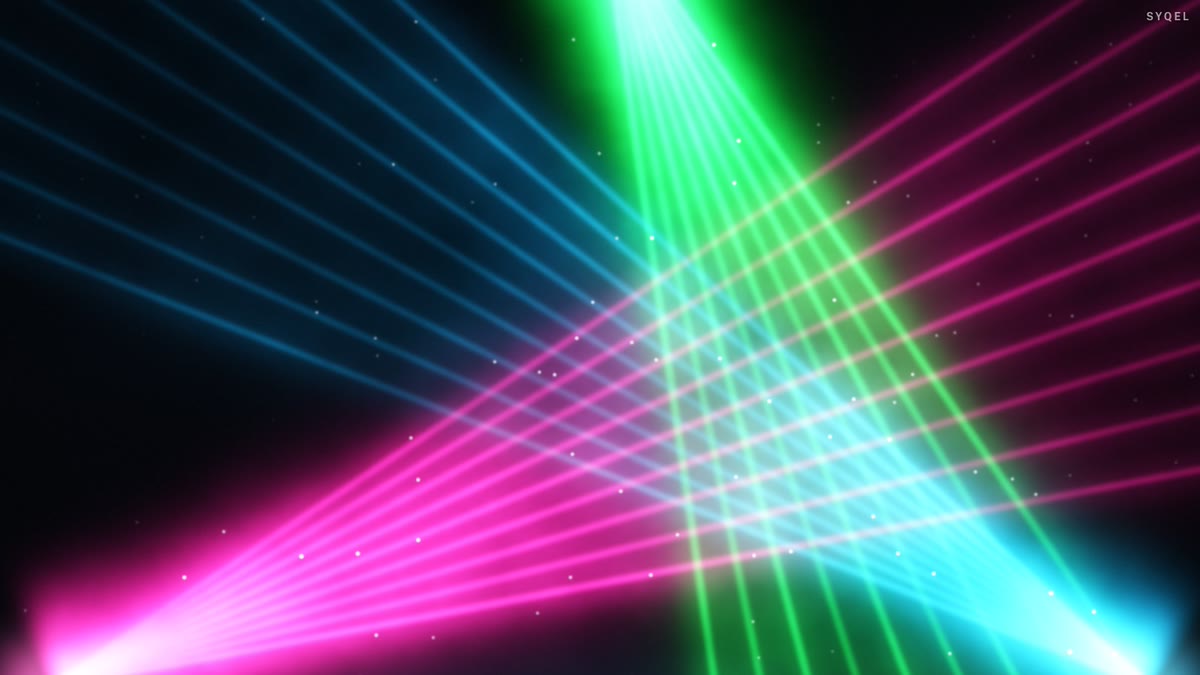
Broadcast and NDI
Press B for a clean output window to capture in OBS, or send the visuals over your network with NDI into OBS, vMix or Resolume — Spout too, on Windows.

Create visuals with AI
Describe a look — "neon hexagon tunnel that pulses with the bass" — and get a brand-new audio-reactive shader, or generate an image and let the AI animate it. Adjust it for free, keep what you make.
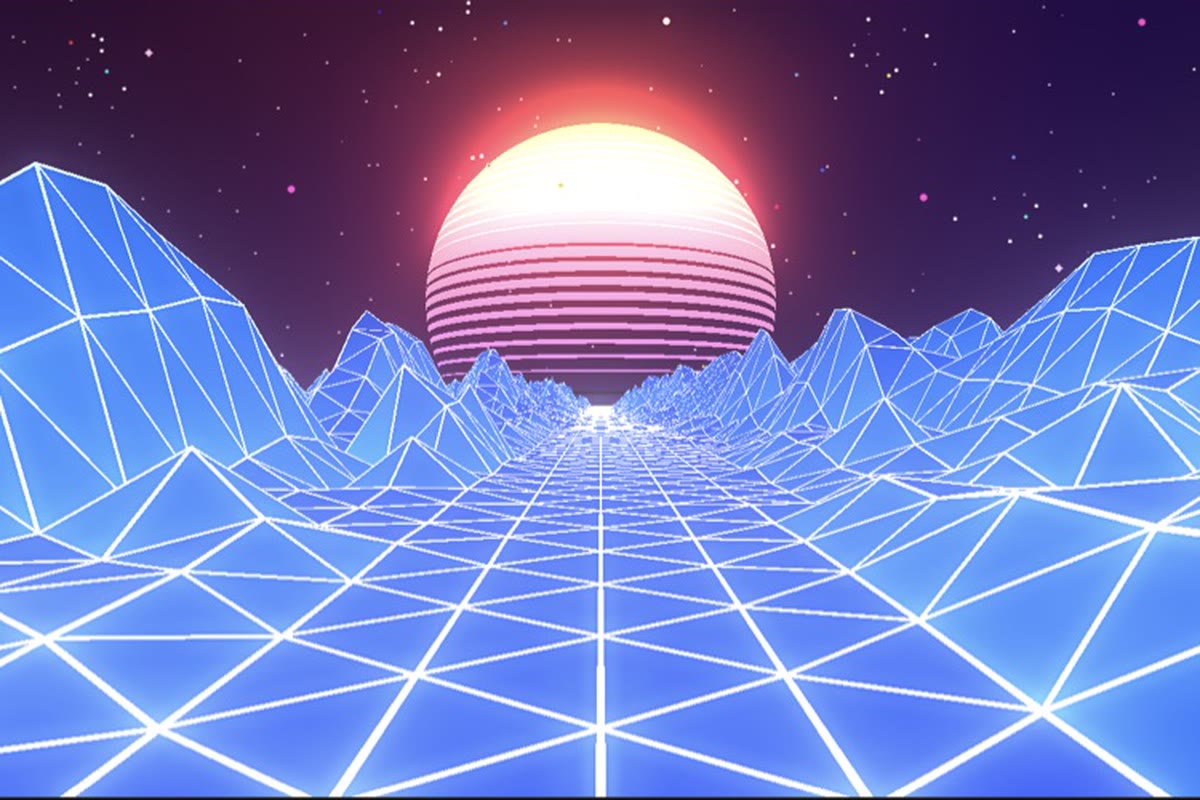
Record four formats at once
Press R and SYQEL saves four videos in one go — 16:9, 1:1, 9:16 and 4:5 — with your audio in them, straight into a SYQEL folder. One for every platform, nothing to capture or convert.
Start here
All tutorials →
SYQEL Desktop quick start: audio-reactive visuals for your DJ set in 5 steps
The five things to set before your first gig: your sound source, how the visuals change, the big screen, and Record for a DJ mix video.

SYQEL Desktop full tutorial: every feature of the music visualizer, step by step
Everything in one sitting: sound sources, MIDI, playlists, Milkdrop, importing shaders and sending visuals to OBS.
Frequently asked questions
Isn't this too intense for a worship service?
It's entirely up to you. SYQEL ranges from subtle, slow-moving ambient backgrounds to high-energy visuals. Most churches lean calm for reflective moments and brighter for full-band choruses, and you choose exactly which looks are allowed.
Can it work with ProPresenter or our current screens?
Yes. SYQEL can output over NDI and as a standard video source, so it can feed into your presentation software and projectors as a background layer behind lyrics and scripture.
Do we need a dedicated operator?
No. You can pre-select a set of approved visuals, and a volunteer can run the whole service with minimal training — there's no need to design anything live.
Make your sound look as good as it feels.
Every SYQEL is free to try. Answer a few questions and we’ll point you at the right one.