Works with your setup
Audio-reactive visuals that work alongside djay
SYQEL pairs with Algoriddim djay to give your sets a live visual layer. It reads your audio output and drives visuals in real time — no integrations, no video clips to line up.
Free to try · Windows & macOS · No card required

Just want it to run itself, zero setup? SYQEL Live →

djay Pro visualizer: live visuals that react to your set
SYQEL Desktop runs alongside djay Pro. Pick djay Pro as the sound source and every kick, drop and breakdown drives the visuals.
djay brings AI-powered track matching and a clean, gesture-friendly interface that appeals to a broad range of performers — from DJs who play private events to those who broadcast regular livestreams. SYQEL extends that setup by converting the live audio output into a reactive visual display. Because the reaction is purely audio-driven, SYQEL tracks djay's Neural Mix stems, filter effects, and live remixing without any special hookup, giving the visual output the same spontaneous feel as the mix itself.
How SYQEL works with djay
Nothing changes inside djay
SYQEL needs no plugin or settings change inside djay. Open it as a separate app and point it at the audio output your system is already using.
Set your source and go
Choose your audio device in SYQEL. The FFT engine starts reading beat, bass, and frequency balance the moment audio flows through.
Add a screen or a stream
Send visuals fullscreen to a display or feed them into OBS via Spout, Mac Screen Share, or NDI for a polished livestream backdrop.
Reacts to Neural Mix output
Whether djay is isolating stems or blending full tracks, SYQEL responds to the actual audio result — no special integration required.
Generate a look in seconds
Describe the visual aesthetic you want and SYQEL's AI produces a custom audio-reactive shader without any coding or design work on your part.
A clean second screen
Run djay on your primary display while SYQEL outputs to a TV or projector — the visual layer stays out of your way until the crowd needs it.
Streaming-ready output
For Twitch or YouTube DJ sets, pipe SYQEL into OBS over Spout or Mac Screen Share for a professional reactive backdrop that elevates your stream.
What's in SYQEL Desktop
The parts DJs use every night — each one documented, none of them extra software.

Create visuals with AI
Describe a look — "neon hexagon tunnel that pulses with the bass" — and get a brand-new audio-reactive shader, or generate an image and let the AI animate it. Adjust it for free, keep what you make.
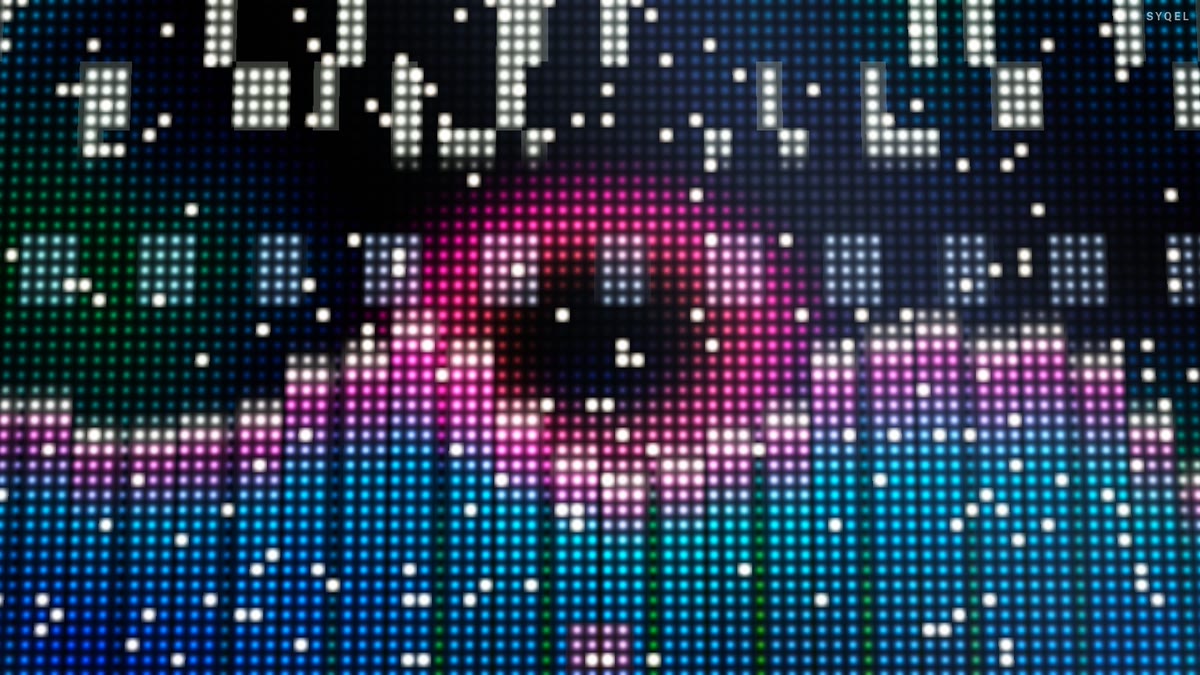
Five visual feeds
Worlds, shaders, scenes, Milkdrop and image visuals — hundreds of looks in one library, every one of them reacting to the music in real time.

Control with MIDI or keyboard
Space for the next visual, Enter to hold one for the drop, Backspace to go back. Put any control, visual or playlist on a key or a pad with Learn Key and Learn MIDI — on every plan.

Record four formats at once
Press R and SYQEL saves four videos in one go — 16:9, 1:1, 9:16 and 4:5 — with your audio in them, straight into a SYQEL folder. One for every platform, nothing to capture or convert.
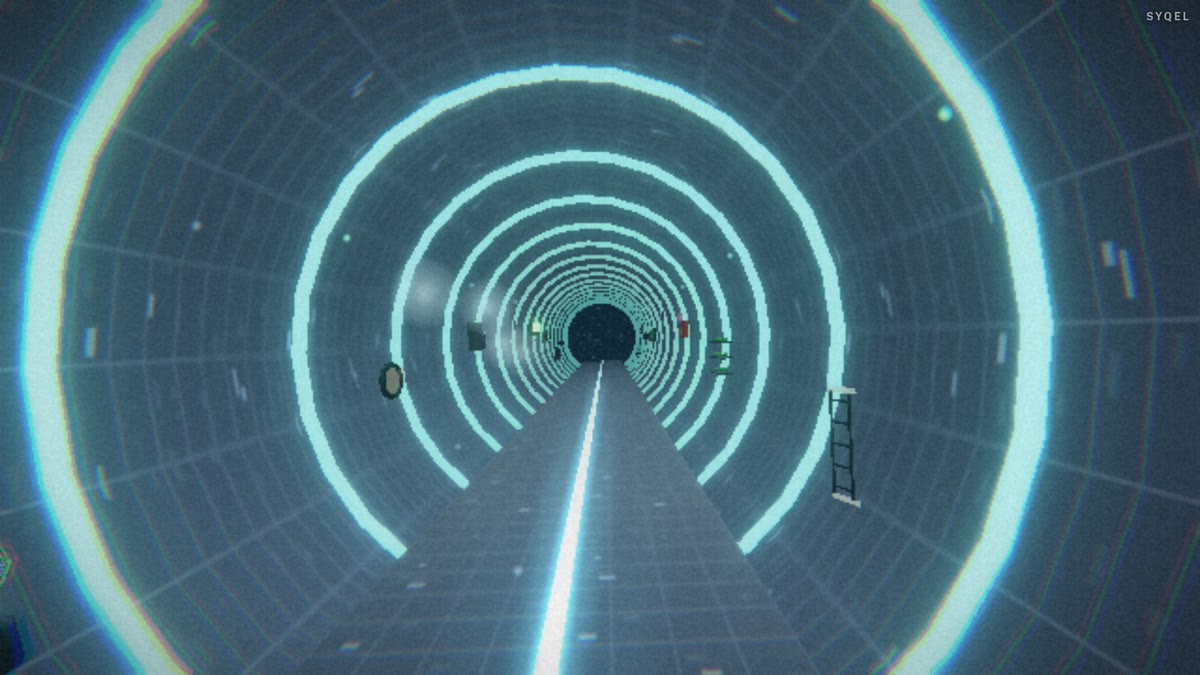
Logos
Up to nine of them — yours, a sponsor’s, the night’s — each with its own position and size, switched live on keys 1–9. The one-time unlock removes the SYQEL mark entirely.
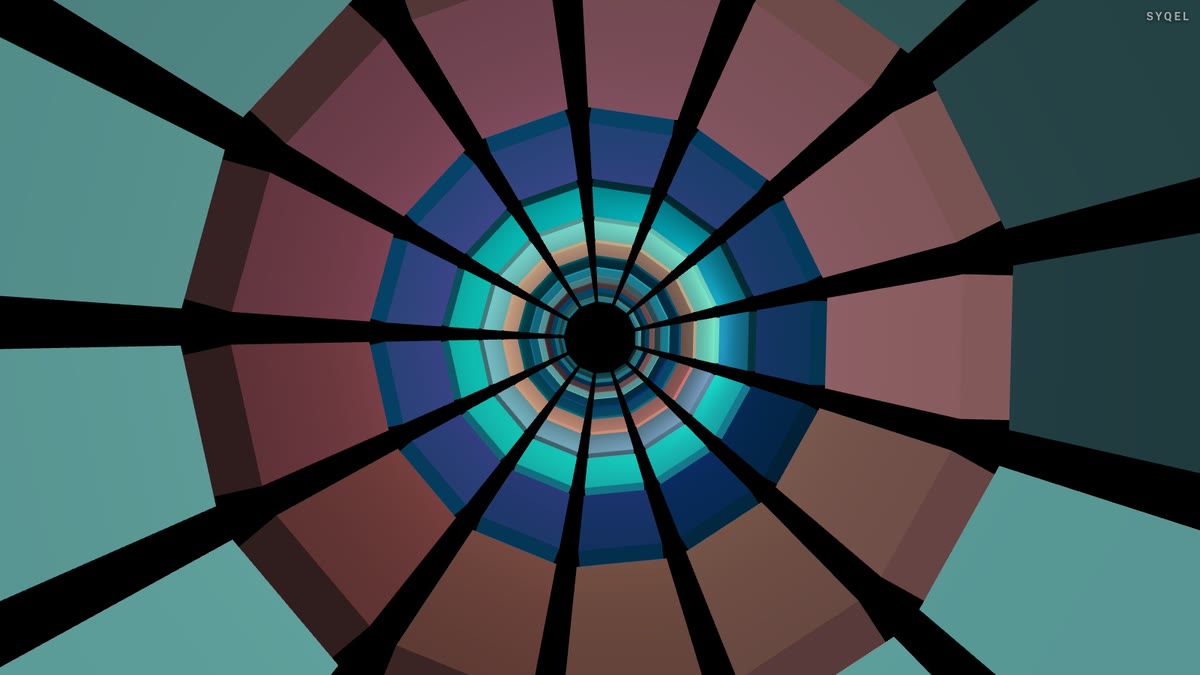
Control modes
Let it run on a timer, advance on the beat every 4 to 64 bars, or go fully manual and cut every visual yourself. Lock one for as long as the moment needs.
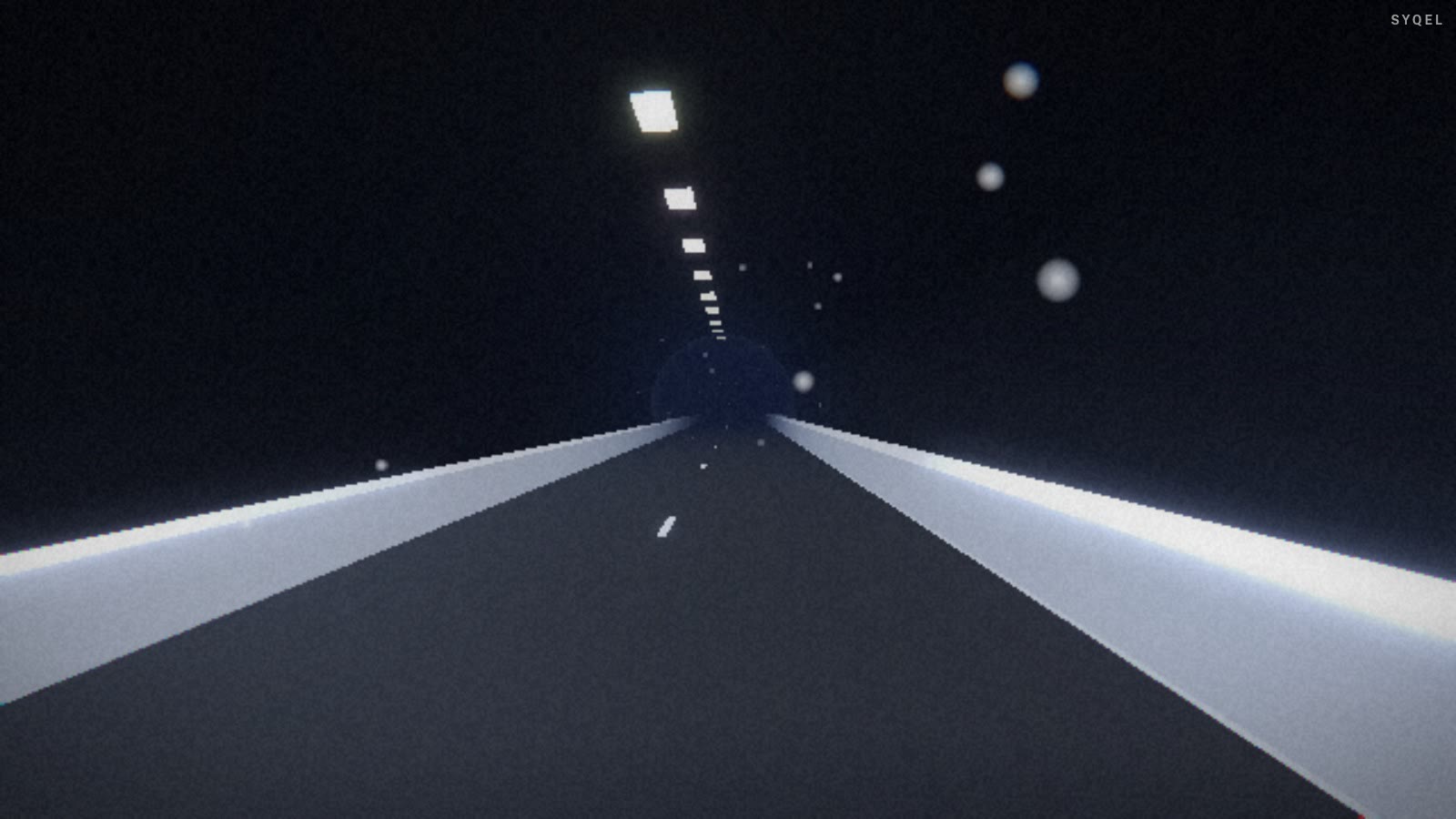
Works offline
Visuals, playlists, logos and hotkeys live on your machine. No internet at the venue, no problem — the show runs exactly the same. Sign in on another machine and your setup follows you.
Frequently asked questions
Does SYQEL work with djay on both Mac and Windows?
Yes. djay runs on both platforms and SYQEL has native apps for both, so you are covered regardless of which machine you DJ from.
Does SYQEL respond to djay's key and BPM data?
SYQEL reads the audio signal, not metadata. This means it responds to what you hear — stems blends, effects, and transitions included — rather than a numeric BPM value that may not reflect the energy of the moment.
Can I show my brand on the visuals during a wedding or corporate event?
Yes. With the one-time unlock, SYQEL shows your own logo instead of ours, and scrolling marquee text in your colors works on every plan, so the visual output can carry your business name or the event's branding.
Make your sound look as good as it feels.
Every SYQEL is free to try. Answer a few questions and we’ll point you at the right one.